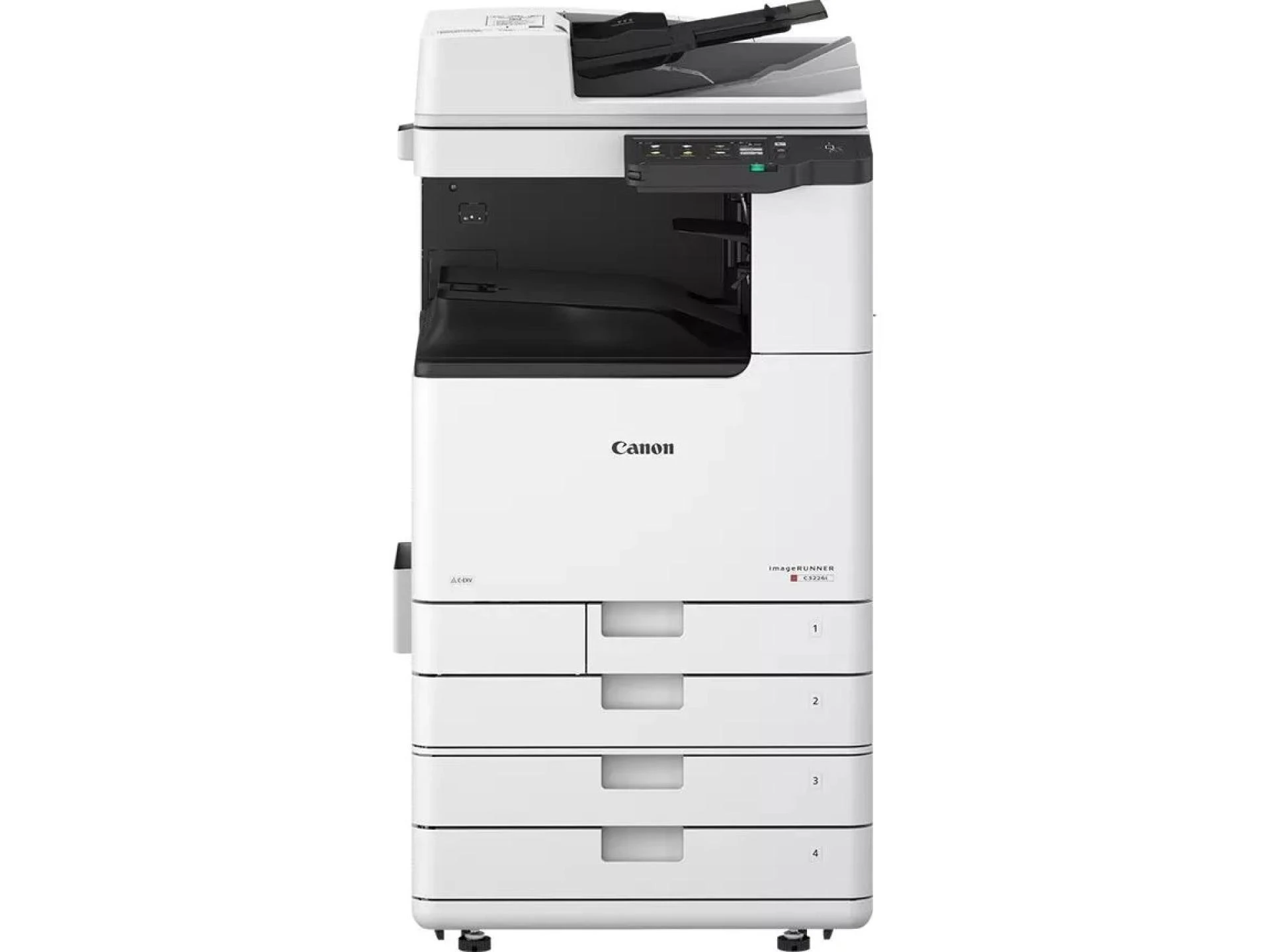

Efficient document handling is essential for modern offices to maintain productivity. Companies require multifunction printers that can perform printing, scanning, copying, and digital workflow tasks reliably, reducing delays and keeping operations smooth. A dependable printer enhances collaboration, minimizes errors, and allows employees to focus on core tasks instead of troubleshooting office equipment.
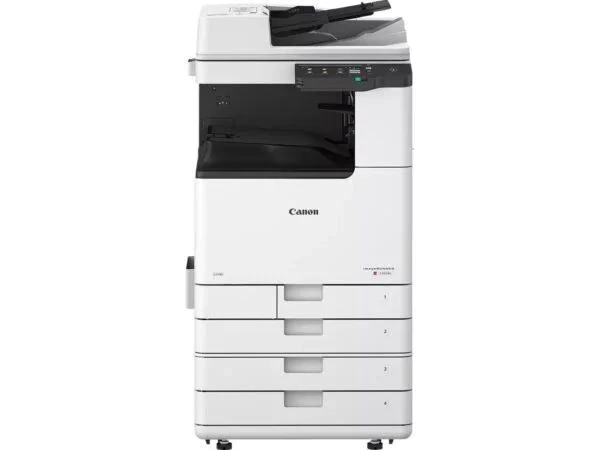
The Canon imageRUNNER C3226i is built to meet these demands. Offering multifunction capabilities, high-speed printing, and secure document management, the Canon imageRUNNER C3226i ensures seamless workflow integration. Its intuitive interface, versatile functions, and consistent performance make it ideal for organizations aiming to improve office efficiency, streamline document handling, and maintain reliable output across multiple departments.
High-Speed and Professional Printing
Rapid Printing Performance
The Canon imageRUNNER C3226i produces up to 26 pages per minute in both black-and-white and color. This speed allows high-volume print jobs to be completed quickly, supporting smooth operations and reducing wait times in busy office environments.
High-Resolution Output
Professional-quality printing ensures crisp text, sharp graphics, and vibrant images. Reports, presentations, and marketing materials maintain a polished and professional appearance, enhancing the company’s image.
Flexible Paper Handling
Supports a wide range of paper sizes, including A3, A4, envelopes, and labels. Optional finishing units enable stapling, collating, and hole-punching, providing ready-to-use documents for clients and internal meetings.
Efficient Copying and Scanning
Duplex Copying
Automatic double-sided copying reduces paper usage and speeds up document duplication, supporting high-volume office tasks efficiently.
Advanced Scanning
Scan directly to email, network folders, or cloud storage. Accurate scanning ensures fast distribution and easy access for all departments.
Integrated Workflow Features
Integrated scanning and sending reduce manual handling, minimize errors, and promote seamless collaboration. Digitized documents can be shared immediately without additional software or steps.
User-Friendly Interface
Intuitive Touchscreen Display
The full-color touchscreen provides easy navigation for printing, scanning, and copying tasks. Employees can access all features quickly, reducing errors and improving workflow efficiency.
Custom Shortcuts
Save frequently used tasks as shortcuts to streamline operations and ensure consistent output.
User Profiles
Multiple user profiles allow personalized settings, reducing repetitive configuration and speeding up daily tasks.
Connectivity and Mobile Printing
Network Integration
Supports wired and wireless connections, enabling multiple devices and users to access the printer simultaneously.
Mobile Printing
AirPrint and Canon PRINT Business allow printing from smartphones and tablets, supporting hybrid work and mobile workflows.
Cloud Integration
Connect to cloud platforms for uploading, retrieving, and sharing documents from anywhere, enhancing collaboration and office efficiency.
Security Features
Secure Authentication
Restrict printer access to authorized users to protect sensitive data.
Secure Printing
Hold print jobs until the user is present, preventing confidential documents from being exposed.
Data Encryption
Encryption and firmware verification safeguard stored and transmitted files, ensuring robust office security.
Paper Handling and Finishing Options
High-Capacity Paper Trays
Standard capacity is 1,200 sheets, expandable to 2,300 sheets with optional trays, reducing the need for frequent refills and supporting high-volume printing.
Professional Finishing Options
Optional units provide collating, stapling, and hole-punching for polished reports, presentations, and client-ready documents.
Energy Efficiency and Sustainability
Eco-Friendly Operation
Energy-saving modes reduce electricity consumption and operational costs while promoting environmentally responsible practices.
Duplex Printing
Automatic double-sided printing minimizes paper waste, supporting sustainable workflows without compromising productivity.
Maintenance and Reliability
Durable Construction
The Canon imageRUNNER C3226i is built to withstand high-volume office use, ensuring consistent performance over time.
Simple Maintenance
Modular components allow easy replacement of toner cartridges and drums, reducing downtime and maintaining smooth office operations.
Applications Across Departments
Marketing Teams
Produce high-quality brochures, flyers, and presentations with consistent color accuracy.
Finance and Accounting
Print statements, invoices, and reports accurately and on time, ensuring smooth departmental operations.
Human Resources
Scan, store, and securely share employee records, streamlining HR workflows and reducing manual handling.
Collaborative Office Environments
Supports multiple users simultaneously, enhancing collaboration and productivity in shared office spaces.
Why Choose Canon imageRUNNER C3226i?
- Multifunction device reduces the need for multiple machines
- High-speed printing, scanning, and copying improve office efficiency
- Secure authentication and print protection for sensitive documents
- Flexible paper handling with optional finishing units
- Intuitive touchscreen interface with shortcuts for ease of use
- Energy-efficient and sustainable design for modern office operations
Conclusion
The Canon imageRUNNER C3226i is a multifunction printer that enhances office productivity, streamlines document workflows, and ensures secure handling of sensitive information. Its fast printing, advanced scanning, and reliable copying make the Canon imageRUNNER C3226i an essential office tool, delivering professional-quality results across all departments.










Sign in to leave a comment.