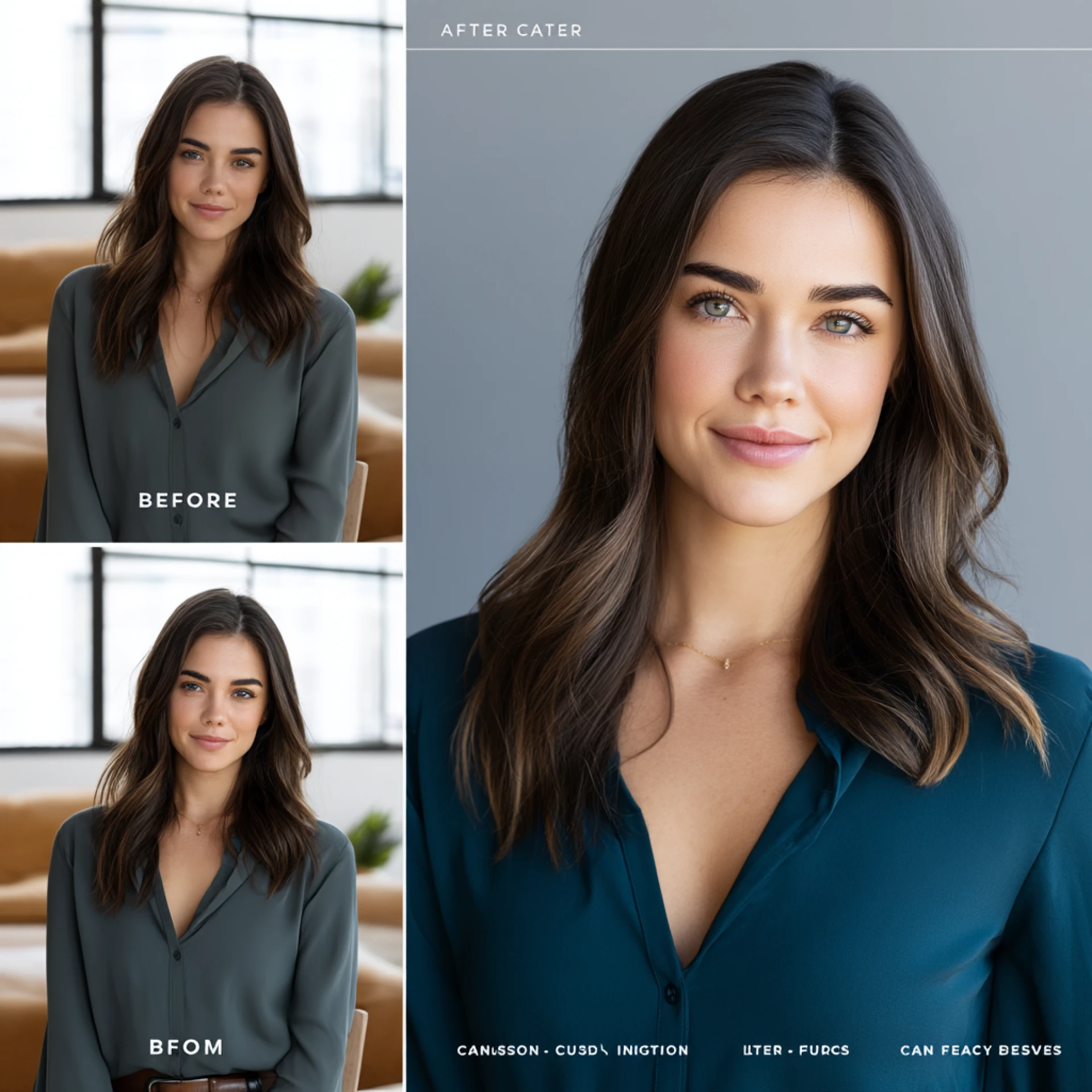

How to Easily Remove Image Backgrounds for Free in 2025
Ever snapped a perfect photo only to realize the background ruined it? Maybe it’s a product shot cluttered by your desk, or a LinkedIn headshot taken in your living room instead of a professional studio. We’ve all been there.
The truth is, unwanted backgrounds are a common frustration. Online sellers need clean product photos, content creators want scroll-stopping visuals, and professionals crave polished profile pictures. The good news? In 2025, you don’t need Photoshop skills (or expensive software) to fix this. AI-powered background removers—like FreePixel’s—make it as simple as one click.
Why Backgrounds Matter More Than You Think
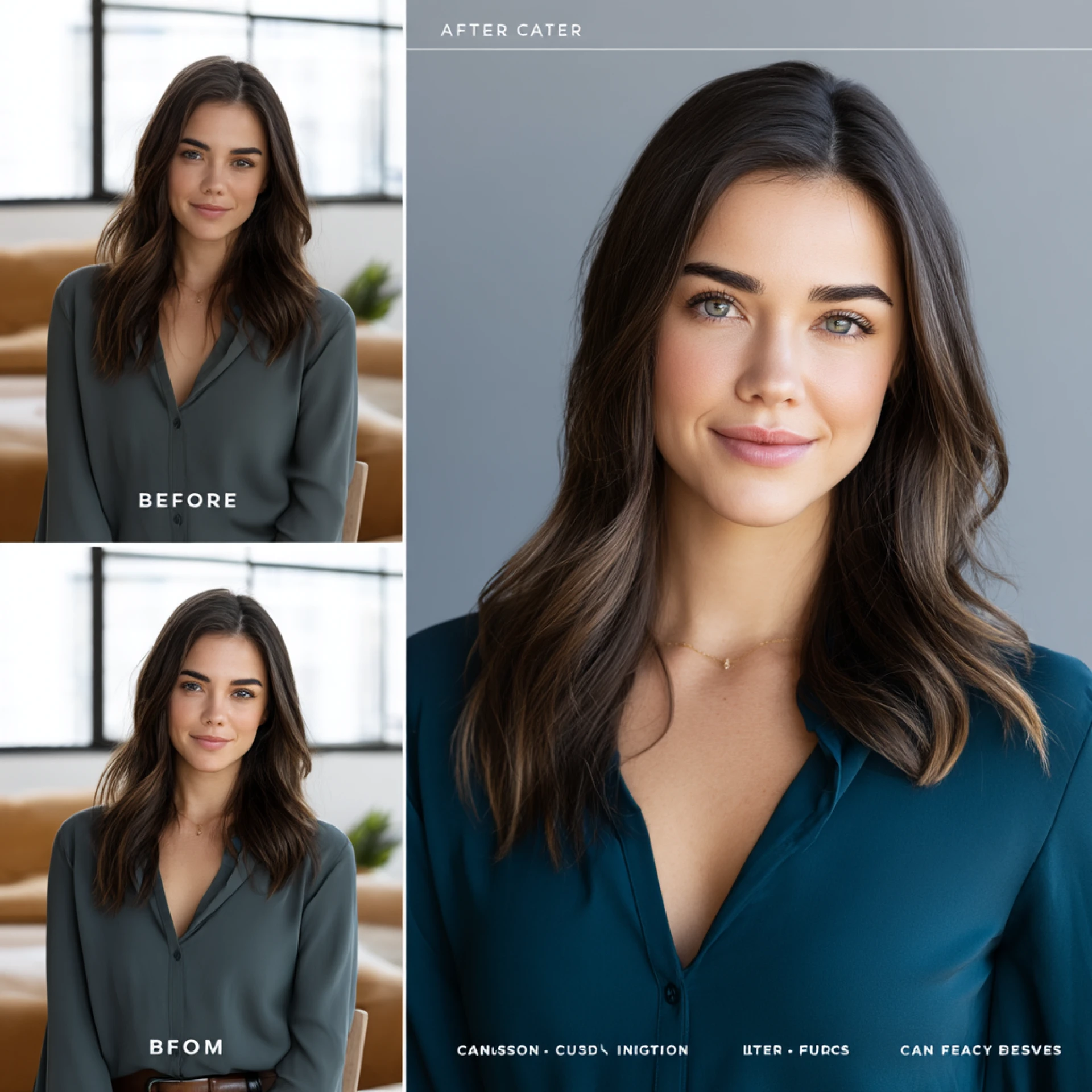
A background isn’t “just scenery.” It sets the tone, mood, and overall impact of your image. Think of it like a stage: if it’s cluttered, messy, or distracting, your main subject loses the spotlight.
Here’s how backgrounds affect different use cases:
- Portraits: A clean, neutral background keeps attention on the person. A busy street? Not so much.
- Products: Transparent or white backgrounds look professional and trustworthy—messy backdrops can make products feel cheap.
- Social Media: Clean visuals ensure text overlays pop, helping your content stand out in crowded feeds.
When Should You Remove Backgrounds?
Background removal isn’t just about “fixing” images. It’s about unlocking design freedom. Here’s where it makes the biggest difference:
- E-commerce – Transparent product images build trust and boost conversions by up to 40%.
- Social Media Marketing – Clean visuals increase engagement on Instagram, TikTok, and Facebook.
- Professional Branding – Consistent team photos and headshots give your brand a polished, cohesive look.
- Creative Projects – Perfect for collages, presentations, or ad designs without worrying about mismatched backdrops.
- Personal Use – From polished LinkedIn photos to custom cards, background removal upgrades personal photography too.

Pro Tips for Cleaner Results
Even with smart AI, good input = great output. Keep these tips in mind:
- Use high-quality, sharp images (1080p or higher).
- Ensure contrast between subject & background.
- Use soft, even lighting to avoid harsh shadows.
- Pay extra attention to edges (hair, fur, jewelry).
- Save final edits as PNG files (to preserve transparency).
How FreePixel’s AI Background Remover Works
FreePixel makes it effortless:
Step 1: Upload your image (JPG/PNG, up to 8MB).
Step 2: AI auto-detects the subject and removes the background in seconds.
Step 3: Download your transparent PNG and start creating.
No downloads. No sign-ups. No watermarks. Just instant, professional-quality results.
Creative Uses Beyond the Basics
Think beyond simple cutouts:
- LinkedIn glow-up: Replace clutter with a clean gradient or brand color.
- Product lifestyle shots: Place products in real-life settings without expensive shoots.
- Engaging social media graphics: Mix and match multiple subjects for eye-catching posts.
- Consistent marketing materials: Standardize team photos with branded backdrops.
Why FreePixel Stands Out in 2025
✔ 100% Free – no hidden fees or watermarks
✔ AI accuracy rivaling paid tools
✔ Works directly in your browser
✔ Transparent PNG output, ready for design use
✔ Fast & reliable—done in seconds
Final Thoughts
Background removal has gone from a Photoshop headache to a one-click solution. Whether you’re an e-commerce seller, marketer, or just someone who wants better photos, tools like FreePixel give you the power to create polished, professional visuals instantly.
💡 Ready to try it? Visit FreePixel’s free AI Background Remover today and see how clean, distraction-free images transform your content.













Sign in to leave a comment.