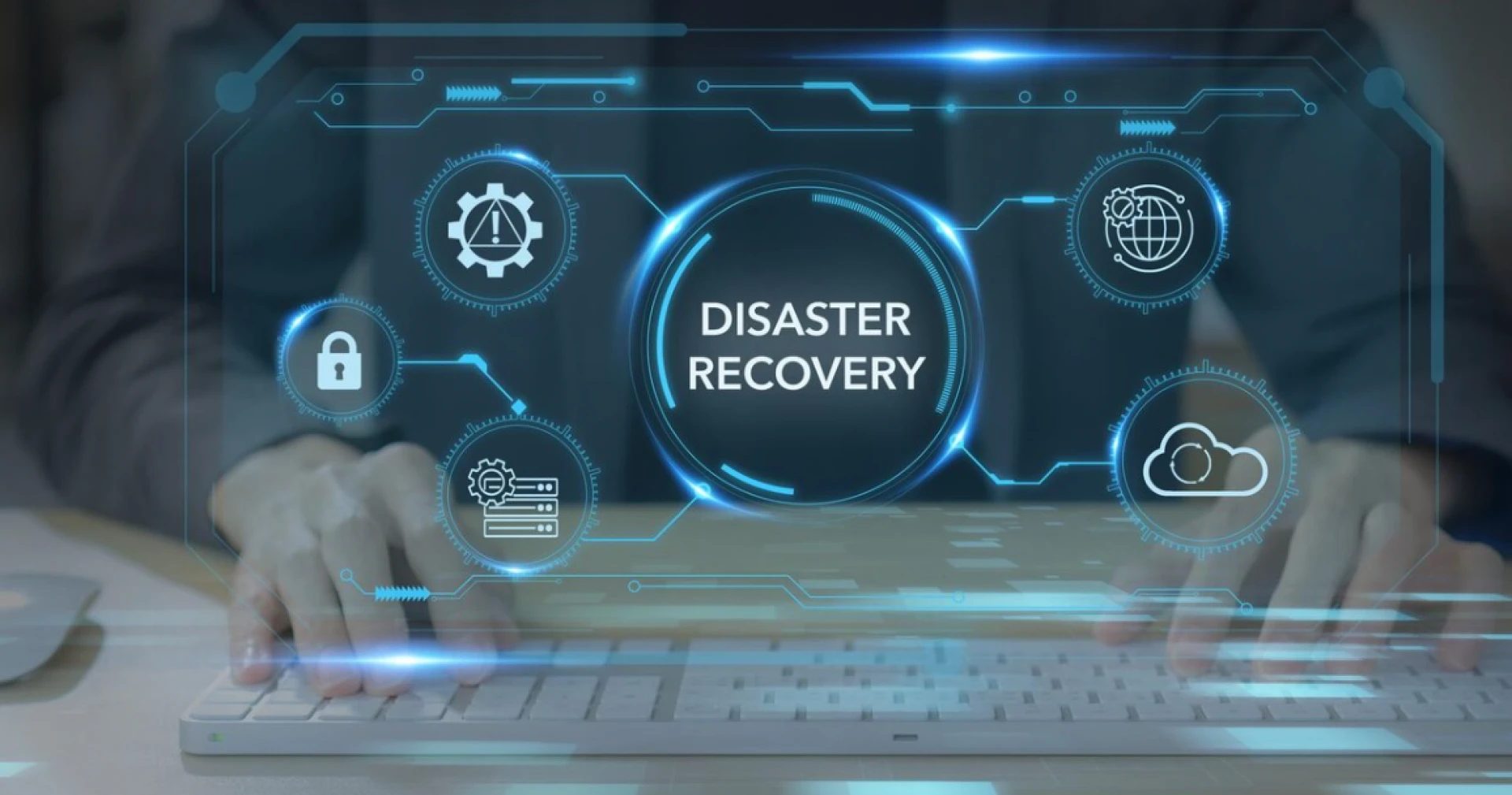

When disaster strikes, business operations can grind to a halt within minutes. IT professionals recognize that a solid disaster recovery (DR) strategy is not optional, and that Storage Area Networks (SAN) are at the heart of resilient data infrastructures. This post explores proven best practices for disaster recovery with SAN solutions, examining practical steps and cutting-edge technologies that ensure business continuity even in disruptive circumstances.
Expect an in-depth look at designing robust SAN-based DR plans, minimizing downtime, and maintaining data integrity. Whether you manage enterprise storage or consult on infrastructure projects, you’ll find actionable guidance to protect your data and your bottom line.
Understanding Disaster Recovery in a SAN Environment
A reliable disaster recovery approach safeguards critical data, systems, and applications against a range of failures—from hardware faults to natural disasters and cyberattacks. SAN solutions play a pivotal role here by providing centralized, high-speed storage that can be managed, replicated, and restored efficiently during and after a disruption.
Why SANs Are Critical for Business Continuity
SANs decouple storage from compute, enabling:
- Fast and reliable backup/restore operations across multiple hosts
- Scalability to accommodate business growth without disrupting DR plans
- Advanced features like snapshots and replication for granular data protection
- High availability and redundancy configurations
These capabilities form the backbone of modern DR planning, allowing businesses to meet Recovery Time Objectives (RTO) and Recovery Point Objectives (RPO) that would be difficult or impossible with direct-attached storage or basic NAS setups.
Key Components of SAN-based Disaster Recovery
To deploy a resilient SAN DR solution, IT teams must integrate several architectural and operational elements:
1. Snapshot and Backup Strategies
Snapshots provide near-instant point-in-time copies of storage volumes. Combined with frequent, policy-driven backups, they offer an immediate recovery path in case of file corruption, accidental deletion, or ransomware.
Best Practice:
Automate regular snapshots at both the storage subsystem and VM levels, using storage QoS policies to limit impact on production workloads. Schedule off-SAN backups to a secondary location or cloud for complete redundancy.
2. Storage Replication
Replication copies data between SANs at different sites, synchronously or asynchronously.
- Synchronous replication ensures zero data loss (RPO=0) but demands high-bandwidth, low-latency links.
- Asynchronous replication is more bandwidth-friendly, trading tiny data loss windows (measured in seconds) for reduced networking requirements.
Best Practice:
Select replication modes based on application criticality and network capacity. Regularly test failover and failback procedures.
3. Multi-site and Metro-Cluster Architectures
Multi-site SAN designs extend high availability across geographies. Metro-cluster solutions use distributed storage federations to provide automatic, near-zero downtime failover in case a site is compromised.
4. SAN Management and Monitoring
Continuous monitoring is vital to catch developing issues before they cascade into outages.
Tools & Practices:
- Use SAN management consoles, SNMP traps, and syslog correlations.
- Employ predictive analytics for early warning of performance or hardware degradation.
- Integrate SAN telemetry with centralized SIEM and DR orchestration platforms.
5. Disaster Recovery Testing and Documentation
Even the most sophisticated DR design is only as good as its last test.
Best Practice:
Document all DR processes and dependencies. Schedule regular simulated failovers (quarterly, at minimum) to validate recovery workflows, staff readiness, and tool functionality.
Planning & Implementing SAN-based DR Workflows
Successful DR planning with SANs is both a technical and strategic challenge. Use this step-by-step process to create an effective, testable plan.
Step 1: Define Business and Data Requirements
- Map all business-critical applications.
- Assign RTO and RPO targets to each workload.
- Classify data according to compliance and retention needs.
Step 2: Architect Scalable, Redundant SAN Topology
- Choose SAN hardware with multi-pathing, redundant controllers, and hot-swappable components.
- Plan network paths and switch configurations for maximum resilience.
Step 3: Select the Right Replication and Backup Solutions
- Identify suitable SAN software for snapshot, replication, and backup management.
- Consider integration with hypervisors and major backup vendors.
Step 4: Develop DR Playbooks
- Document every step, command, and credential needed for recovery.
- Include escalation paths and contact lists.
Step 5: Conduct Regular Training and Testing
- Simulate partial and total disasters.
- Debrief after each test; revise plans accordingly.
DR Compliance and Security Considerations
Business continuity isn’t just about rapid recovery. The process and solutions must also comply with regulatory mandates (HIPAA, GDPR, SOX) and internal security standards.
- Encryption: Ensure all data-at-rest and in-flight is encrypted.
- Access Controls: Limit DR tool access to authorized personnel; integrate with RBAC.
- Audit Trails: Enable and review audit logging on critical SAN DR functions.
Leveraging Cloud and Hybrid SAN Architectures
The landscape for SAN disaster recovery is evolving rapidly with the rise of cloud services. Hybrid DR approaches can:
- Provide offsite replication to cloud-as-a-DR-target (e.g., AWS Storage Gateway, Azure Blob for Backup)
- Use SAN-integrated snapshot shipping to public cloud for added redundancy
- Enable faster spin-up of recovery environments (cloud bursting) in disaster scenarios
Best Practice:
Benchmark the performance of cloud recovery workflows and ensure they align with contractual SLA/RTOs. Carefully calculate egress fees and ensure data residency requirements are met for compliance.
Common Pitfalls and How to Avoid Them
Even with enterprise-grade SANs, DR plans often encounter avoidable failures:
- Single point of failure in DR plans: Mitigate with redundancy in controllers, switches, fabric, and power supplies.
- Testing gaps: A plan not tested is a plan that doesn’t work. Rigorous, scheduled testing is non-negotiable.
- Skimping on documentation: Keep playbooks up to date; capture lessons learned after every DR event or test.
Address these proactively to ensure your organization’s investment in SAN DR pays dividends when you need it most.
Future Trends in SAN Disaster Recovery
Innovations reshaping the landscape include:
- AI-driven predictive analytics: Increasingly, SAN solutions harness machine learning to identify risks, predict failures, and automate remediation before downtime occurs.
- Automated orchestration: Tools integrating with virtualization stacks (VMware SRM, Microsoft Azure Site Recovery) streamline multi-platform DR workflows.
- Ransomware resilience: Modern SANs can isolate, snapshot, and rapidly restore clean data to minimize impacts of malicious attacks.
Staying ahead means not just investing in infrastructure, but evaluating and updating your DR strategies as the technology and threat environments evolve.
Building Resiliency with SAN-Driven Disaster Recovery
Proactively preparing for disaster via SAN-based solutions is a smart, strategic investment for any organization that prioritizes uptime and data integrity. By adopting a layered DR approach and following proven best practices—including regular testing, proper documentation, and integration with the latest security and compliance frameworks—you ensure business operations can withstand the unexpected, with minimal disruption or data loss.
For IT teams, storage administrators, and storage area network architects, the next step is a comprehensive audit of your current DR posture. Evaluate whether your SAN solutions and workflows align with today’s business continuity requirements and regulatory standards. Consider emerging technologies that offer smarter, faster recovery. Because when disaster strikes, preparation is your best defense.












Sign in to leave a comment.