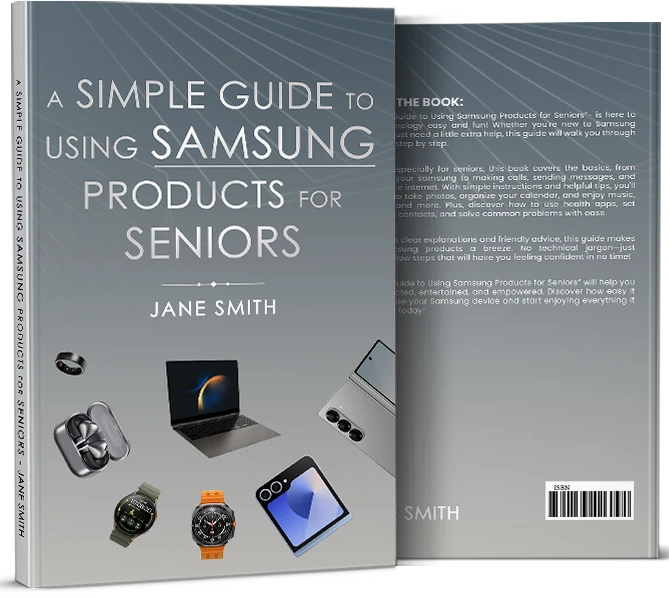

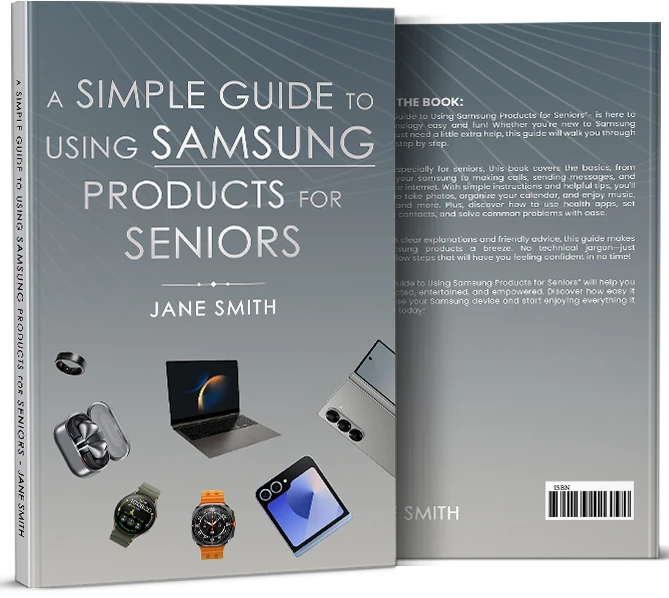
Technology can be hard to handle, especially for older people who aren't used to it. This is why Jane Smith's A Simple Guide to Using Samsung Products for Seniors is such a useful book. It also adds useful features, such as listening to music, taking pictures, and managing a calendar. However, it also helps seniors learn how to use health apps, make emergency contacts, and fix common issues. Learning from Jane Smith's author is fun because her writing is so nice. A Simple Guide to Using Samsung Products for Seniors by Jane Smith gives adults the tools they need to stay in touch with family, stay organized, and confidently explore the digital world.
Getting Started with Your Samsung Device
A Simple Guide to Using Samsung Products for Seniors first part shows seniors how to easily set up their Samsung devices. Jane Smith shows people how to set up Wi-Fi, turn on the device, and make a Samsung account. Clearly and simply, she talks about the home screen, buttons, and basic navigation. Seniors learn to change things on their gadgets, like the volume and screen brightness. The guide also talks about how to add useful apps like news and weather apps. Jane even tells you how to use passwords or fingerprints to protect the device. Because these steps are so clear, seniors can feel comfortable using their Samsung immediately.
Communicating with Family and Friends
Getting in touch with family and friends is one of the best things about using a Samsung gadget. A Simple Guide to Using Samsung Products for Seniors shows older people how to use apps like WhatsApp and Zoom to make calls, send texts, and even video chat. She tells you how to add friends, save favorite numbers, and use emojis to make your messages more fun. Seniors will never miss an important call or message because of this book's instructions on checking voicemail and setting up reminders. Jane helps seniors share photos, join group discussions, and remain in touch with family and friends remotely.
Ending Note
Samsung phones have a lot of fun and useful features besides just calling. Jane teaches older people how to use technology to take and share pictures, set up a calendar, play music, and watch TV shows or videos. She also talks about how to use fitness and health apps, make emergency contacts, and use safety tools like sharing your location. A Simple Guide to Using Samsung Products for Seniors discusses how to fix common problems, like getting back on Wi-Fi or changing apps. With Jane's useful tips, seniors can use their gadgets without stress. Seniors can use this guide to turn their Samsung devices into strong tools for fun, health, and peace of mind.












Sign in to leave a comment.