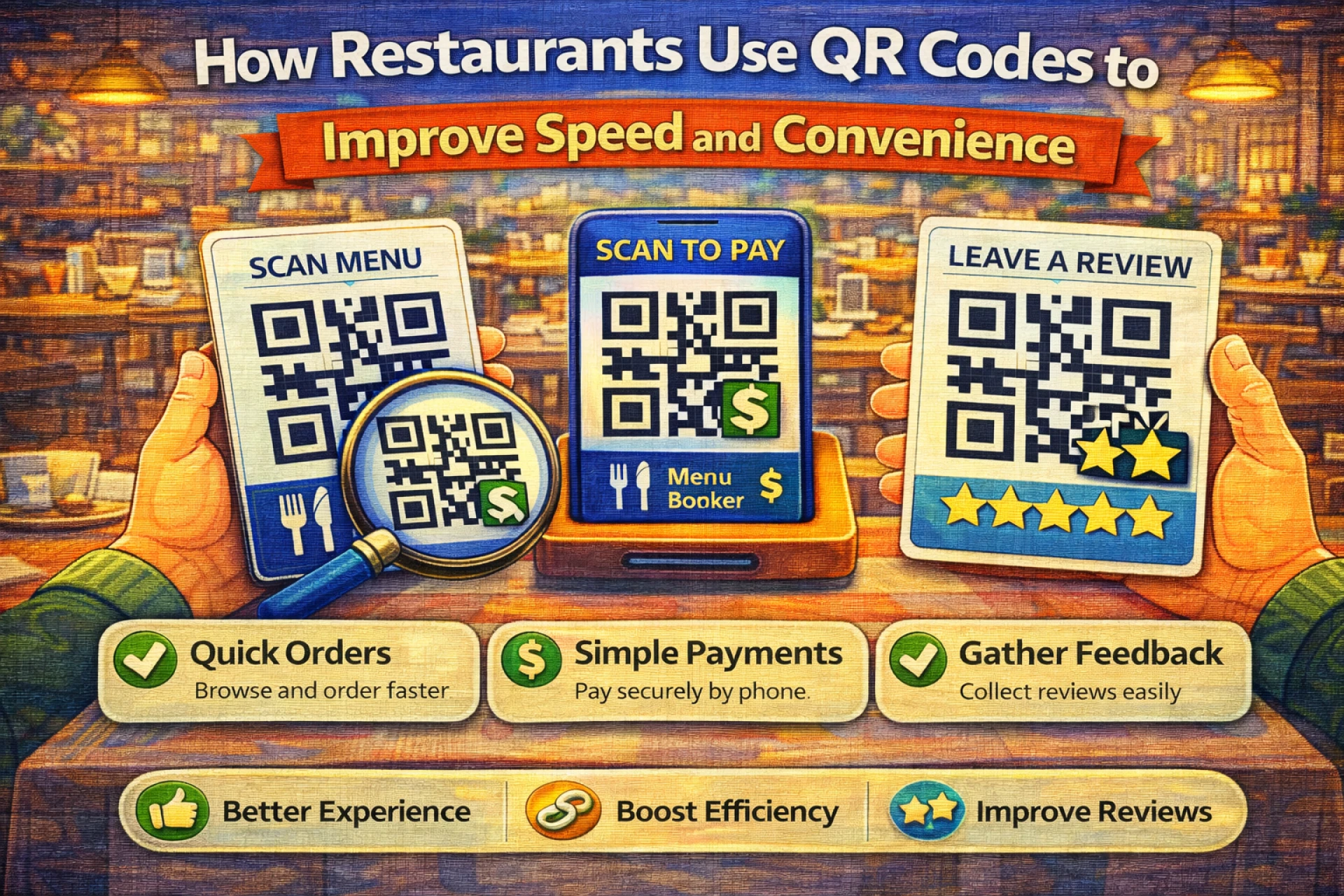

Restaurants deal with constant pressure: customers want fast service, menus change often, and staff time is limited. Small inefficiencies can quickly add up, especially during busy hours.
QR codes have become popular in restaurants because they address these challenges in a simple way. When used correctly, they reduce friction for both customers and staff without changing how a restaurant fundamentally operates.
Why QR Codes Fit Restaurant Environments
Restaurants are one of the few places where speed, clarity, and simplicity all matter at the same time.
QR codes work well in this context because they:
- Provide instant access to information
- Reduce the need for printed materials
- Allow updates without reprinting
- Work on devices customers already use
There’s no learning curve for most guests — scanning is already familiar.
Menus That Are Easier to Manage
Digital menus are the most common use of QR codes in restaurants.
By linking a QR code to an online menu, restaurants can:
- Update prices quickly
- Add or remove items without delay
- Highlight daily or seasonal specials
This flexibility is especially helpful for restaurants with changing availability or rotating menus. For customers, accessing the menu often becomes faster than waiting for a printed copy.
Ordering and Payment Options
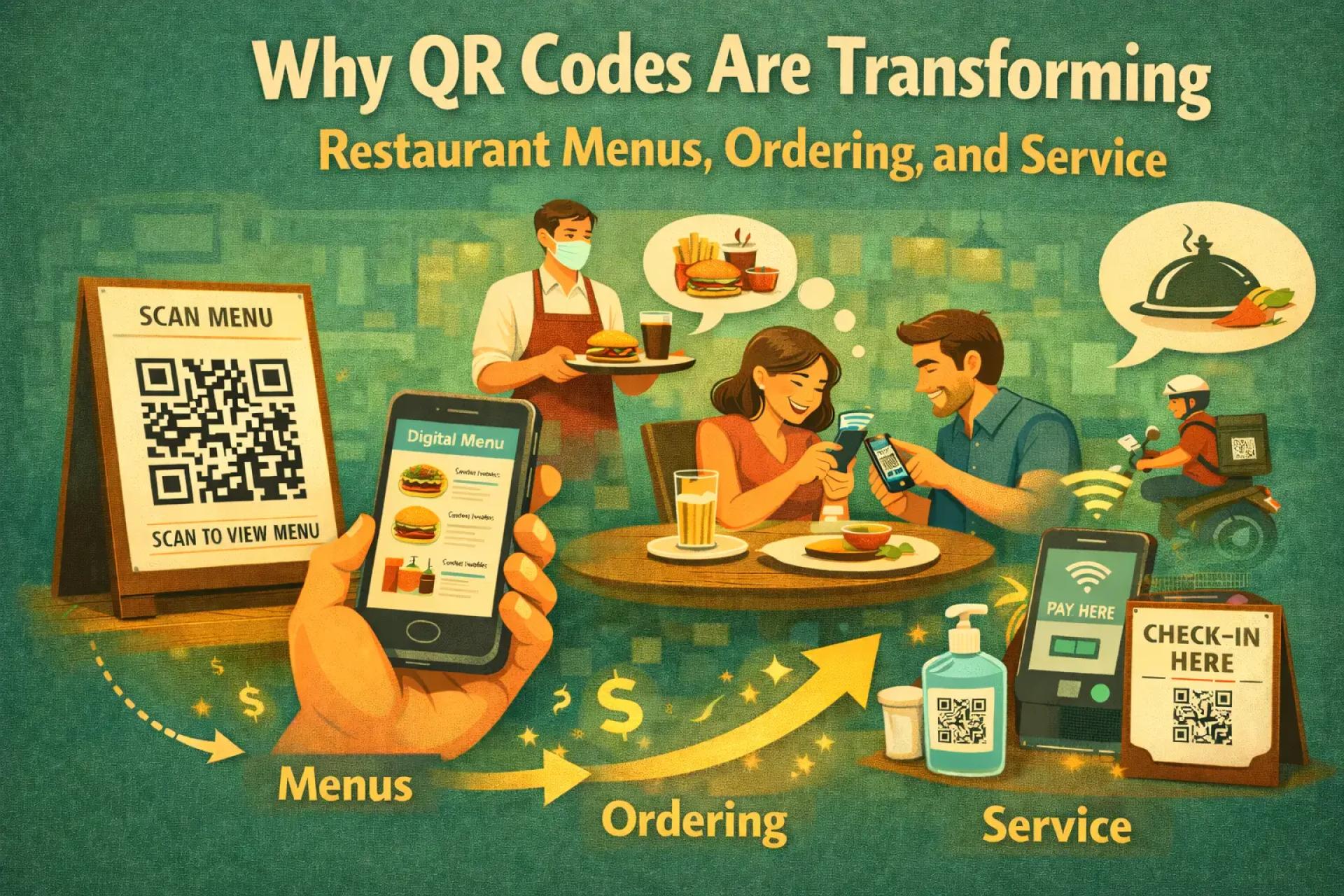
Some restaurants extend QR code usage beyond menus.
In these cases, QR codes can lead to:
- Online ordering systems
- Table-specific order pages
- Digital payment options
This approach reduces wait times and gives customers more control over when they order and pay. While it’s not the right solution for every restaurant, it can significantly improve flow during peak hours.
Encouraging Customer Feedback
Reviews play a major role in how restaurants are discovered and chosen.
QR codes make it easier to collect feedback by linking directly to:
- Review platforms
- Feedback forms
- Short surveys
When placed on receipts, packaging, or near exits, QR codes allow customers to leave reviews while the experience is still fresh.
Placement Makes a Difference
Where a QR code appears affects how likely it is to be used.
Effective placement includes:
- Tables or table tents
- Receipts or payment folders
- Counter displays
- Takeout packaging
QR codes work best when they feel helpful and optional, not mandatory.
Fixed vs Flexible QR Codes
Restaurants often need to update links as menus, prices, or promotions change.
Static QR codes always point to the same destination and cannot be changed after creation.
Editable QR codes allow the destination to be updated later without reprinting signs or menus. This flexibility can save time and reduce ongoing costs for restaurants that change content frequently.
Creating QR Codes Without Complexity
Creating a QR code doesn’t require technical skills.
You choose the destination — menu, order page, or review link — and generate the code. A simple tool like
https://generate-qr-code.com
allows you to create clean, scannable QR codes quickly and reuse them across different materials.
Avoiding Common Implementation Issues
QR codes can become frustrating when basic details are overlooked.
Common problems include:
- Menus that are hard to read on mobile
- Slow-loading pages
- Broken or outdated links
- No alternative for customers who prefer printed menus
Regular testing and offering options help prevent these issues.
Final Thoughts
QR codes don’t replace hospitality — they support it.
When implemented thoughtfully, they help restaurants move faster, stay flexible, and reduce unnecessary friction. Used this way, QR codes become a practical tool that improves operations without getting in the way of the dining experience.










Sign in to leave a comment.