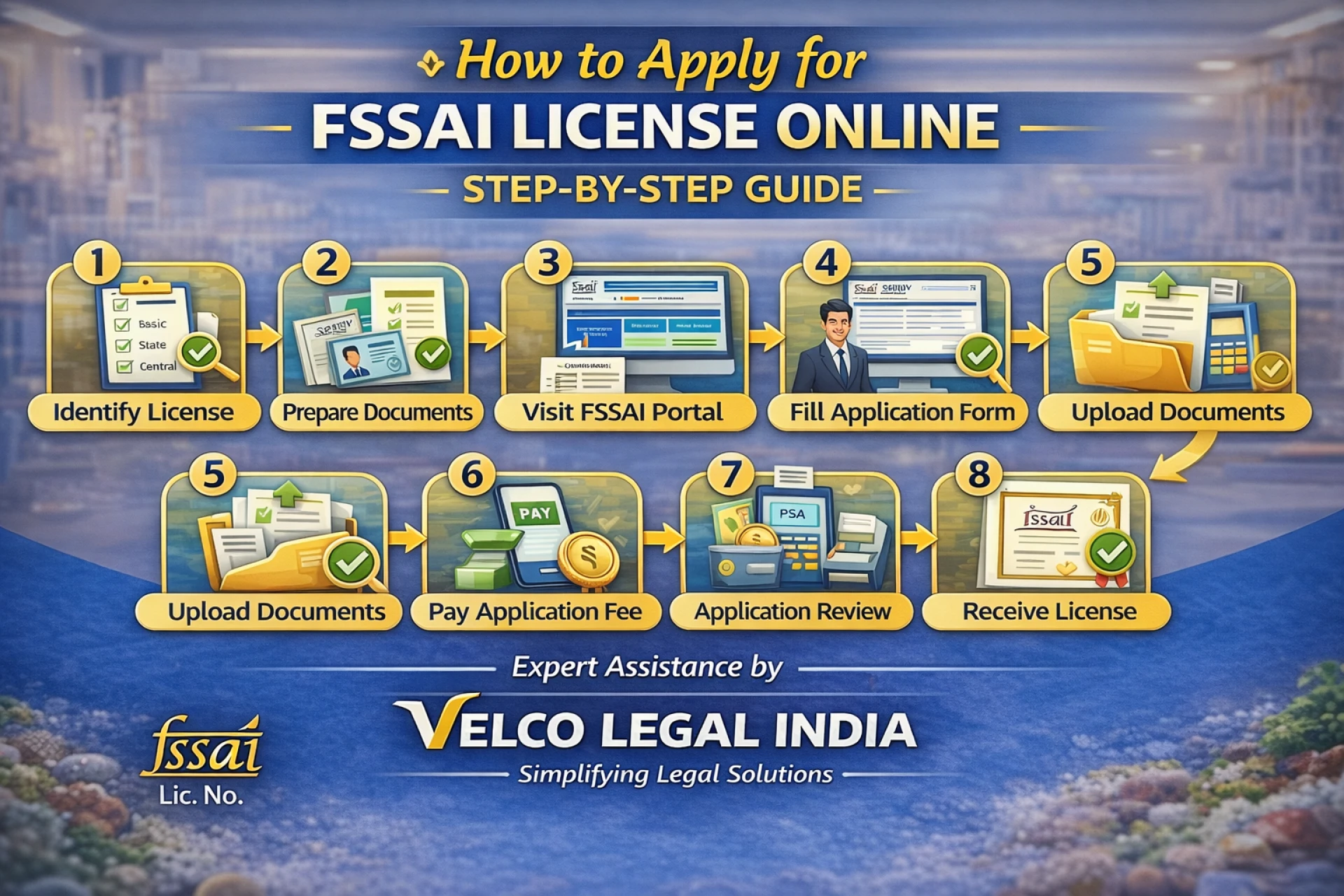

How to Apply for FSSAI License Online – Step-by-Step Guide
Applying for an FSSAI license online has become a simple and streamlined process, thanks to the government’s digital initiatives. The Food Safety and Standards Authority of India (FSSAI) mandates that every food business operator (FBO) must obtain an FSSAI license or registration before starting operations. This step-by-step guide will help you understand how to apply for an FSSAI license online without confusion.
Step 1: Identify the Correct Type of FSSAI License
Before applying, it is important to determine which FSSAI license you need. There are three categories:
- Basic Registration – For small food businesses with turnover up to ₹12 lakhs
- State License – For medium-sized businesses with turnover between ₹12 lakhs and ₹20 crores
- Central License – For large businesses, importers, exporters, or businesses operating in multiple states
Choosing the correct category is crucial, as applying under the wrong license may lead to rejection.
Step 2: Prepare the Required Documents
Keep all required documents ready before starting the online application. Common documents include:
- Applicant’s passport-size photograph
- Identity and address proof
- Proof of business premises (rent agreement or ownership proof)
- List of food products
- Declaration form and FSMS plan (for State and Central licenses)
Accurate documentation helps avoid delays.
Step 3: Visit the FSSAI Online Portal
Go to the official FSSAI Food Licensing and Registration System (FoSCoS) portal. This is the authorized platform for submitting FSSAI license applications online.
Create an account using your mobile number and email ID. Once registered, log in to begin the application process.
Step 4: Fill the Online Application Form
Select the appropriate license category and fill in all business details carefully, such as:
- Business name and address
- Type of food business activity
- Nature of food products
- Contact details
Ensure that all information matches your documents to avoid discrepancies.
Step 5: Upload Documents
Upload scanned copies of the required documents in the specified format and size. Double-check clarity and accuracy before submission, as unclear documents may result in application rejection.
Step 6: Pay the Application Fee
After uploading documents, pay the applicable government fee online. The fee depends on the license category and validity period chosen (1 to 5 years).
Once payment is successful, an acknowledgment receipt will be generated.
Step 7: Application Review & Inspection
The concerned food safety authority will review your application. In some cases, an inspection of the business premises may be conducted, especially for State and Central licenses.
If any clarification is required, you may receive a query through the portal, which must be answered promptly.
Step 8: Receive Your FSSAI License
After successful verification, your FSSAI license or registration certificate will be issued online. You can download it directly from the portal and start using your FSSAI license number legally.
Professional Assistance Makes It Easier
While the online process is straightforward, many applicants face delays due to documentation errors or incorrect license selection. Professional service providers like Velco Legal India help ensure error-free application, faster approval, and complete compliance support.
Conclusion
Applying for an FSSAI license online is a mandatory and essential step for running a food business in India. By following this step-by-step guide and preparing documents in advance, you can complete the process smoothly and legally. Proper compliance not only avoids penalties but also builds customer trust and brand credibility.










Sign in to leave a comment.