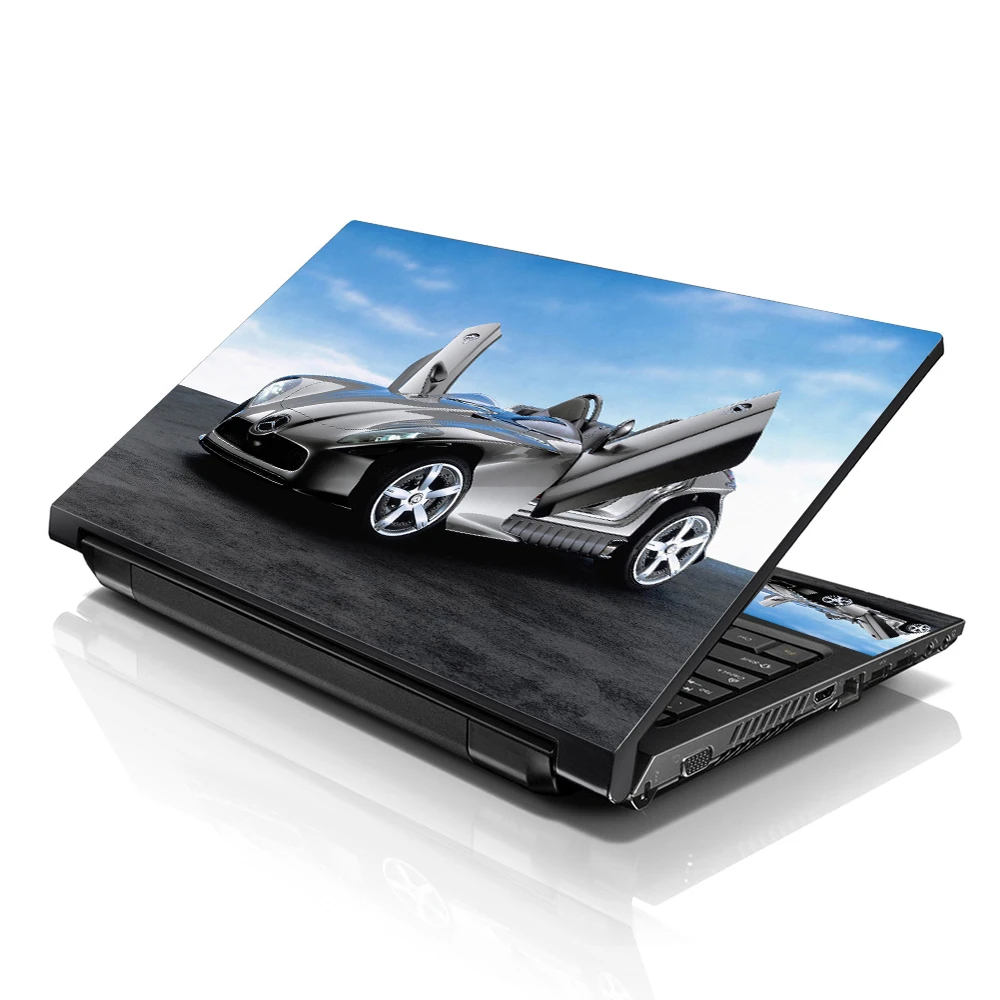

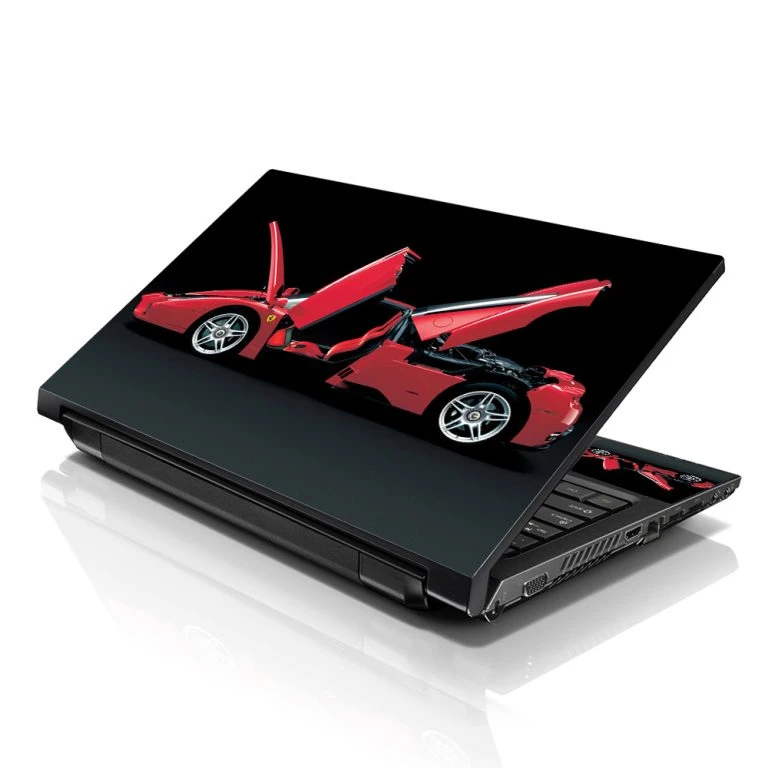
Laptop skins are an excellent way to personalize and protect your device, giving it a unique look that reflects your personality. With countless designs, materials, and customization options, selecting the perfect laptop skin can be daunting. This guide will help you navigate the process, ensuring you find a laptop skin that perfectly matches your style while offering the protection your laptop needs.
Understanding the Purpose of Laptop Skins
Laptop skins serve a dual purpose: they protect your device from scratches, scuffs, and minor damages while allowing you to express your style. Covering your laptop with skin will enable you to keep it looking new for longer and increase its resale value.
Beyond protection, laptop skins provide an opportunity to showcase your individuality. Whether you prefer bold, eye-catching designs or subtle, minimalist patterns, there\'s a laptop skin out there that aligns with your aesthetic. Understanding these dual functions can help you prioritize what matters most when choosing a skin.
Identifying Your Style Preferences
Before exploring the world of laptop skins, it\'s important to identify your style preferences. Are you drawn to bright, vibrant colors, or do you prefer a more understated, monochromatic look? Do you like intricate patterns or simple, clean lines? Knowing your preferences will help you narrow down your options.
Consider your environment and how your laptop fits into it. If you use your computer in professional settings, you might opt for a sleek, sophisticated design. On the other hand, if you\'re a student or creative professional, you might lean towards more playful or artistic creations. Your style preferences should reflect your personality and the context in which you\'ll use your laptop.
Exploring Different Design Options
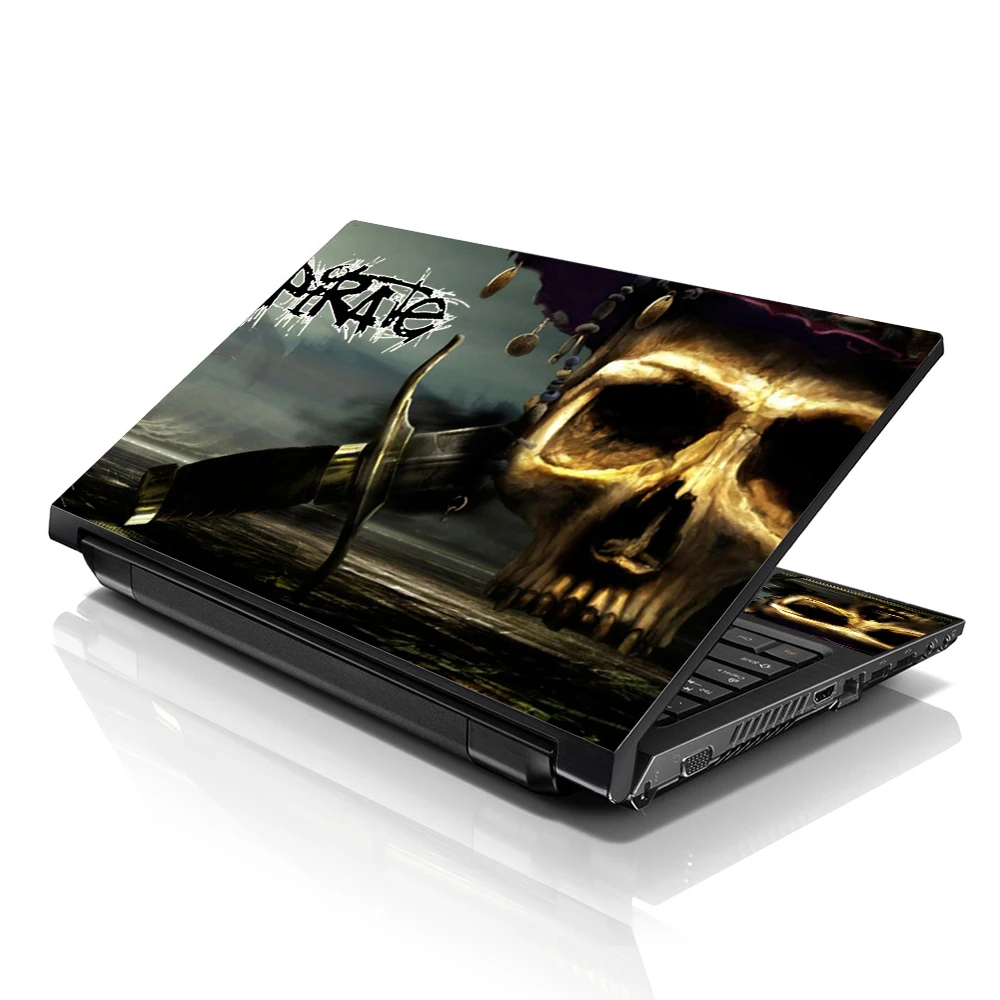
The range of designs available for laptop skins is virtually limitless. You can find skins featuring abstract art, nature scenes, geometric patterns, famous artworks, and even pop culture references. Explore different design options to see what catches your eye and resonates with your style.
If you need help deciding, consider creating a mood board or a Pinterest board with designs that appeal to you. This visual representation can help you identify common themes and preferences, making choosing a laptop skin you\'ll love for the long term more accessible.
Customizing Your Laptop Skin
For a genuinely unique laptop skin, consider customization options. Many companies offer tools that allow you to upload your images or artwork, creating a unique design. This is an excellent option if you have a favorite photo, piece of art, or logo you\'d like to showcase on your laptop.
Customized laptop skins not only ensure that your device stands out but also allow you to incorporate personally meaningful elements. Whether it\'s a family photo, a piece of digital art you\'ve created, or a design that reflects your interests and hobbies, a custom laptop skin can be a powerful form of self-expression.
Choosing the Right Material
Laptop skins come in various materials, each offering different levels of protection and aesthetic appeal. Common materials include vinyl, silicone, and hard plastic. Vinyl skins are popular due to their durability, ease of application, and wide range of design options. Silicone skins offer a soft, grippy texture, providing additional protection against drops. Hard plastic skins offer robust security and a sleek, glossy finish.
Consider what level of protection you need and how the skin\'s material will feel and look on your laptop. Vinyl skins are often the most versatile and user-friendly, but silicone or hard plastic skin might be a better choice if you need extra protection.
Ensuring Compatibility with Your Laptop
Not all laptop skins are created equal, and some may not perfectly fit your specific laptop model. Before purchasing a skin, ensure it is designed to fit your laptop\'s make and model. Many manufacturers provide sizing guides and compatibility information to help you find the right fit.
A well-fitting laptop skin will cover the entire surface of your laptop without interfering with its functionality. It should have precise cutouts for ports, vents, and other essential features. Ensuring compatibility is crucial for both aesthetics and usability.
Considering the Ease of Application and Removal
One critical factor to consider when choosing a laptop skin is how easy it is to apply and remove. High-quality laptop skins are designed to be bubble-free and easy to reposition during application. This ensures a smooth, professional finish without any unsightly air bubbles.
Additionally, look for skins that can be removed without any sticky residue. This makes it easy to change skins to update your laptop\'s look or switch to a different design. User reviews help gauge the ease of application and removal of other brands and types of laptop skins.
Evaluating Durability and Protection
Durability is an important consideration when selecting a laptop skin. High-quality skin should withstand daily wear and tear, including scratches, spills, and minor impacts. Check the material\'s thickness and the quality of the adhesive to ensure that the skin stays in place and provides adequate protection.
Some laptop skins also offer features like UV resistance, which prevents the colors from fading over time, and water resistance, which protects against spills. Evaluate the durability and protective qualities of different skins to find one that meets your needs and will last for the long term.
Considering Eco-Friendly Options
If environmental sustainability is essential, consider choosing an eco-friendly laptop skin. Some companies offer skins made from recycled or biodegradable materials. These options not only protect your laptop but also minimize your environmental impact.
Eco-friendly laptop skins are a great way to combine style and sustainability. By choosing a skin made from environmentally responsible materials, you can feel good about your purchase and its impact on the planet. Look for brands that prioritize eco-friendly practices and materials in their products.
Reading Reviews and Recommendations
Before making a final decision, take some time to read reviews and recommendations from other users. Customer reviews can provide valuable insights into different laptop skins\' quality, durability, and ease of use. Look for reviews that mention your specific laptop model to ensure compatibility.
Additionally, seek out recommendations from friends, family, or online communities. Personal experiences and testimonials can help you identify reliable brands and products, making your decision-making process more accessible and informed.
Balancing Cost and Quality
While opting for the cheapest option is tempting, it\'s important to balance cost and quality when choosing a laptop skin. High-quality skins may cost more upfront but often offer better durability, protection, and aesthetic appeal, making them a worthwhile investment in the long run.
Consider your budget and what features are most important to you. It might be worth spending a bit more if you\'re looking for a custom design or high durability. Conversely, plenty of affordable options still offer good quality if you want to change your laptop\'s appearance on a budget.
Making the Final Decision
After considering all these factors, it\'s time to decide. Reflect on your style preferences, the level of protection you need, and the reviews and recommendations you\'ve gathered. Choose a skin it laptop that looks great and offers the functionality and durability you require.
Once you\'ve chosen, apply the skin carefully to ensure a smooth, bubble-free finish. Enjoy your laptop\'s new look and feel, knowing that it\'s protected and personalized to match your unique style.
Conclusion
Choosing the perfect laptop skin involves considering various factors, from design preferences and material choices to durability and eco-friendliness. By taking the time to explore your options and evaluate what\'s most important to you, you can find a laptop skin that protects your device and reflects your style. Whether you opt for a custom design or a pre-made pattern, the right laptop skin can enhance your laptop\'s appearance and functionality, making it a valuable addition to your tech accessories.










Sign in to leave a comment.