
Introduction
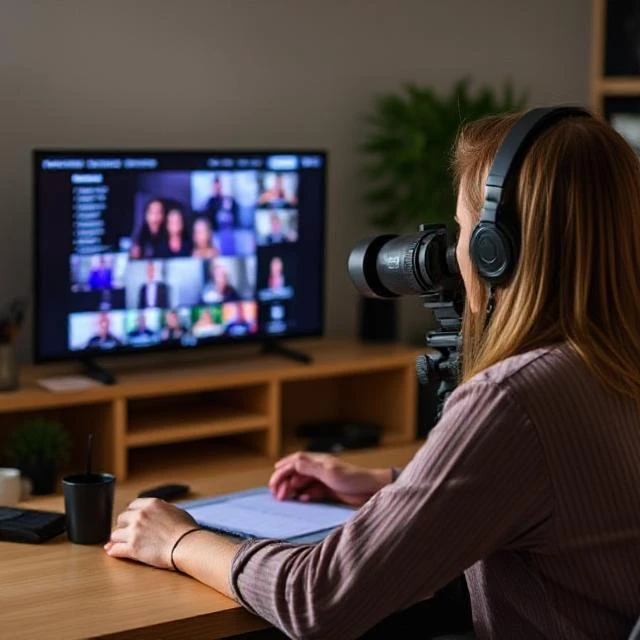
Ever dreamed of running your own TV channel — 24 hours a day, 7 days a week? You’re not alone. With the rise of FAST (Free Ad-supported Streaming TV) and easy-to-use tools, you can create your own TV channel online without needing a massive studio or a huge budget. In this guide, I’ll walk you through the step-by-step process to set up and schedule a full-blown 24/7 stream, all from your computer.
What Is a 24/7 Online TV Stream?
A 24/7 online stream is essentially your own TV network. It runs constantly, looping or playing scheduled content around the clock. Unlike platforms like YouTube where people pick videos individually, a 24/7 channel streams content in real-time — viewers tune in and catch whatever is currently airing.
Popular examples? Think Pluto TV, Shout! Factory TV, or even niche lifestyle streams on Roku. You can build something just like that — and tailor it to your niche.
Why Create a 24/7 Stream for Your Online TV Channel?
Let’s be real — attention is everything these days. A 24/7 stream helps you:
- Keep viewers engaged longer
- Offer a consistent brand experience
- Monetize through ads or subscriptions
- Stand out from on-demand-only platforms
If you want to build trust, visibility, and recurring revenue, going 24/7 is a smart play.
Tools and Platforms You’ll Need
Before you get rolling, here are some key tools:
- Streaming platforms: Fast Channel Maker, Restream, Vimeo OTT
- Scheduling software: EPG/playlist schedulers like TelVue, Flussonic
- Video CMS: To upload, tag, and organize your videos
Step-by-Step Guide to Create Your Own TV Channel Online with 24/7 Streaming
Step 1: Define Your Niche and Goals
Pick your focus: Fitness? Indie films? Faith-based content? The more niche, the more loyal the audience.
Know who you’re targeting — age group, interests, language, even time zones.
Step 2: Curate and Organize Your Content Library
Content is king — and you’ll need a decent amount to fill a schedule.
- Create categories (morning, primetime, late-night)
- Mix new and old content
- Keep backup videos to avoid dead air
Step 3: Choose Your Streaming and Scheduling Platform
Want ease of use? Try Fast Channel Maker — perfect for beginners and supports monetization.
Need something robust? Platforms like Vimeo OTT, Castr, or Red5 Pro work great for pros.
Step 4: Create a Program Schedule
Build a realistic daily and weekly plan. Start with:
- Morning block: Light or family-friendly shows
- Afternoon: Replays or niche content
- Evening: Feature content, interviews, live streams
- Overnight: Loop or reruns
Use automated playlist tools to schedule everything.
Step 5: Configure Your Streaming Settings
Ensure your content is formatted properly:
- 1080p preferred
- MP4, H.264 codec
- Bitrate optimized for streaming (3000–6000 kbps)
Loop playlists, and set fallback content for errors.
Step 6: Set Up Branding and Graphics
Make your stream look polished:
- Channel logo in the corner
- Transitions and bumpers between shows
- Uniform intros and outros
Use free tools like Canva or invest in motion graphics.
Step 7: Go Live and Test Your Stream
Before launching to the world:
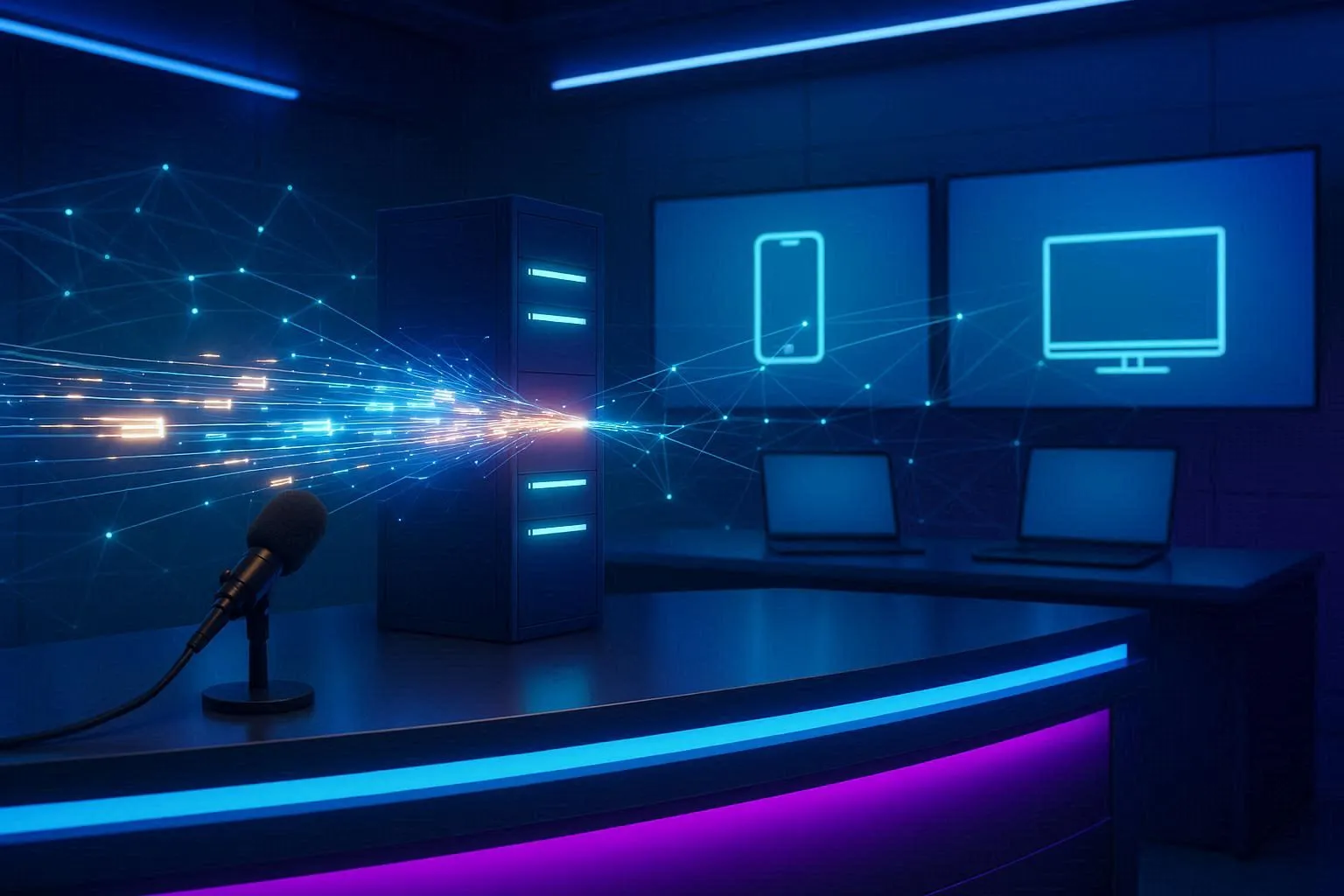
- Check your stream on multiple devices
- Run tests during peak hours
- Monitor uptime and buffering
Once it’s solid, go public!
Step 8: Promote Your Channel
- Share short clips on Instagram, TikTok, YouTube
- Create an SEO-optimized website
- Join Facebook groups or Reddit communities in your niche
- Partner with bloggers or influencers
Scheduling Tips for Maximum Viewer Engagement
- Track which time slots get the most views
- Use a consistent weekly show format (e.g., "Tuesday Talk")
- Rotate your top content during peak hours
Monetization Options for 24/7 Channels
- Run mid-roll ads using SSAI (Server Side Ad Insertion)
- Add subscription plans for exclusive content
- Sell ad space to sponsors or partners
Common Challenges and How to Avoid Them
Content Burnout – Batch-produce content and rotate smartly
Licensing Problems – Always secure rights for third-party material
Streaming Issues – Use a reliable CDN and monitor uptime
Case Studies: Successful 24/7 Online Channels
- Faith Now: A religious streaming service with global reach
- The Weather Channel FAST: Streaming on major platforms like Samsung TV
- Cooking Panda TV: Started as short clips, now streams 24/7 recipes and shows
The Future of 24/7 Online TV Channels
- AI-assisted scheduling
- Interactive live chat and donations
- In-stream shopping integrations
We’re just getting started. The future of streaming is personalized, global, and always on.
Conclusion:
Gone are the days when launching a TV channel required millions of dollars and a satellite uplink. Today, with just content, creativity, and the right tools, you can create your own TV channel online and stream 24/7 to a worldwide audience. Whether you're starting a niche network, building a brand, or monetizing your content library — this is the future, and it's yours to build.












Sign in to leave a comment.