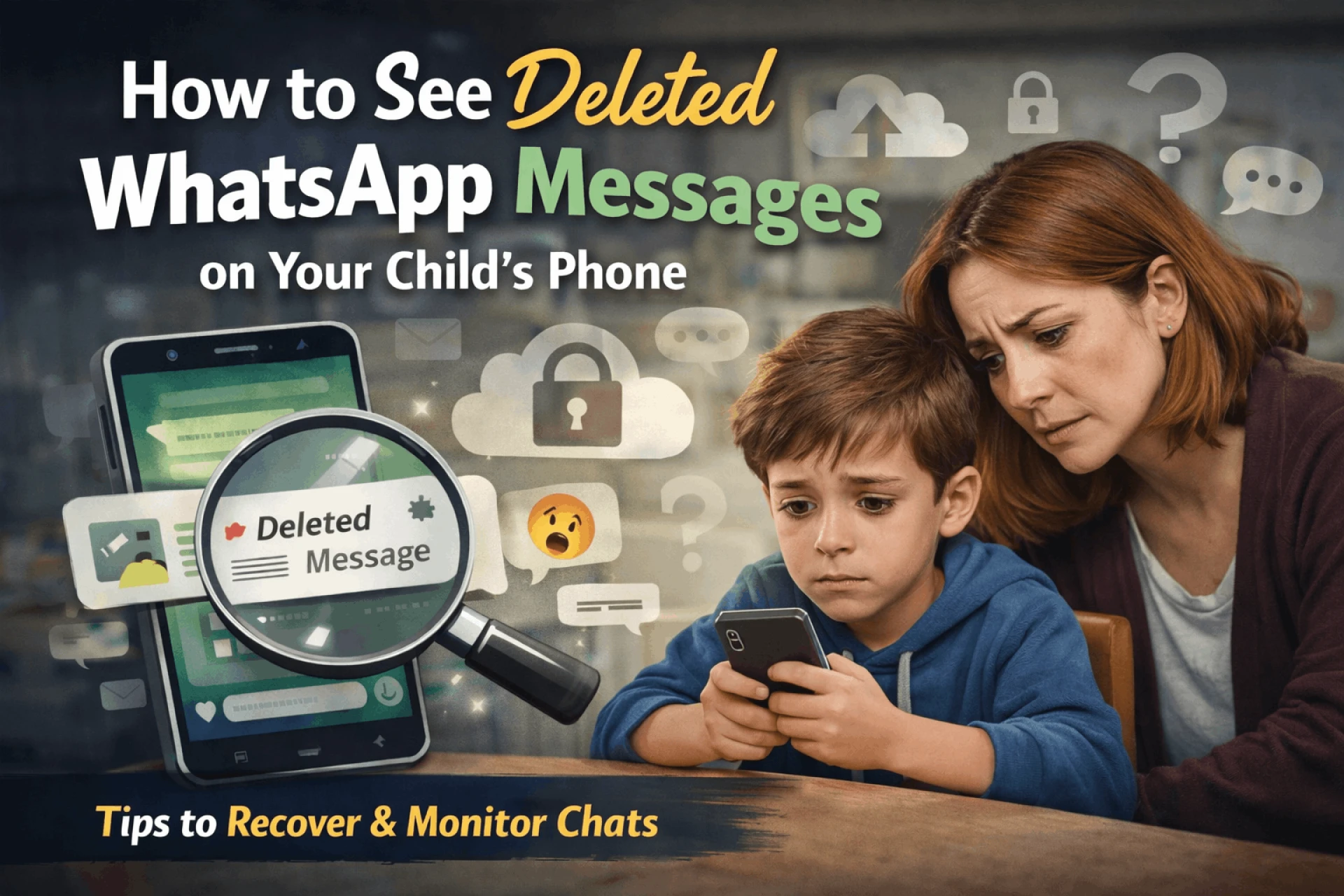

In today’s digital world, children spend a lot of time on messaging apps like WhatsApp. While it helps them stay connected with friends and family, it also raises concerns for parents. Many kids delete messages to hide conversations, which can make parents worried about their safety. If you are wondering How to See Deleted WhatsApp Messages on Your Child’s Phone, this guide will explain simple and safe methods in easy language.
Why Do Kids Delete WhatsApp Messages?
There can be several reasons why children delete messages:
- To hide conversations from parents
- To avoid getting into trouble
- Due to peer pressure or online bullying
- Talking to unknown people
Not all reasons are harmful, but as a parent, it is important to stay aware and ensure your child is safe online.
Is It Possible to See Deleted WhatsApp Messages?
Yes, in some cases, it is possible to recover or view deleted messages. However, WhatsApp itself does not store deleted chats permanently. You can only access them using certain methods like backups, notification history, or parental monitoring tools.
Method 1: Restore WhatsApp Backup
One of the easiest ways to recover deleted messages is by restoring a backup.
Steps:
- Uninstall WhatsApp from your child’s phone
- Reinstall the app
- Verify the phone number
- Tap on “Restore Backup”
If a backup was created before the messages were deleted, you will be able to see them again.
⚠️ Limitation: This method only works if backup is enabled.
Method 2: Check Notification History (Android)
Some Android phones keep a record of notifications, including messages.
How it works:
- When a message arrives, it appears in notifications
- Even if deleted later, it may still be visible in notification logs
You can use built-in settings or third-party apps to access notification history.
⚠️ Limitation:
- Works only if notifications were not cleared
- Not available on all devices
Method 3: Use Parental Monitoring Tools
This is one of the most effective ways for parents who want to ensure their child’s safety.
Parental monitoring tools can help you:
- Track messages
- View deleted chats
- Monitor contacts and activity
- Get alerts for suspicious behavior
These tools are designed for child safety, not spying. They give parents peace of mind while respecting boundaries.
Is It Legal to Monitor Your Child’s WhatsApp?
Yes, parents are generally allowed to monitor their minor child’s phone for safety reasons. However, it is important to:
- Be transparent with your child
- Use monitoring responsibly
- Respect privacy as your child grows
Always focus on protection, not control.
Tips to Keep Your Child Safe Online
Instead of only checking deleted messages, follow these tips:
- Talk openly about online safety
- Teach them not to chat with strangers
- Set screen time limits
- Use parental control settings
- Encourage honest communication
Building trust is more effective than strict monitoring alone.
Conclusion
Understanding How to See Deleted WhatsApp Messages on Your Child’s Phone can help parents stay informed and protect their children from online risks. While methods like backups and notification history can help in some cases, using parental monitoring tools is a more reliable option.
However, the most important thing is maintaining a healthy relationship with your child. Technology should support parenting, not replace communication. Stay involved, stay aware, and guide your child toward safe digital habits.
FAQs
Q1. Can I recover deleted WhatsApp messages without backup?
No, unless you use notification history or monitoring tools.
Q2. Are parental monitoring apps safe?
Yes, if used responsibly for child safety purposes.
Q3. Can deleted messages be seen on iPhone?
It is more difficult, but backups can help recover messages.











Sign in to leave a comment.