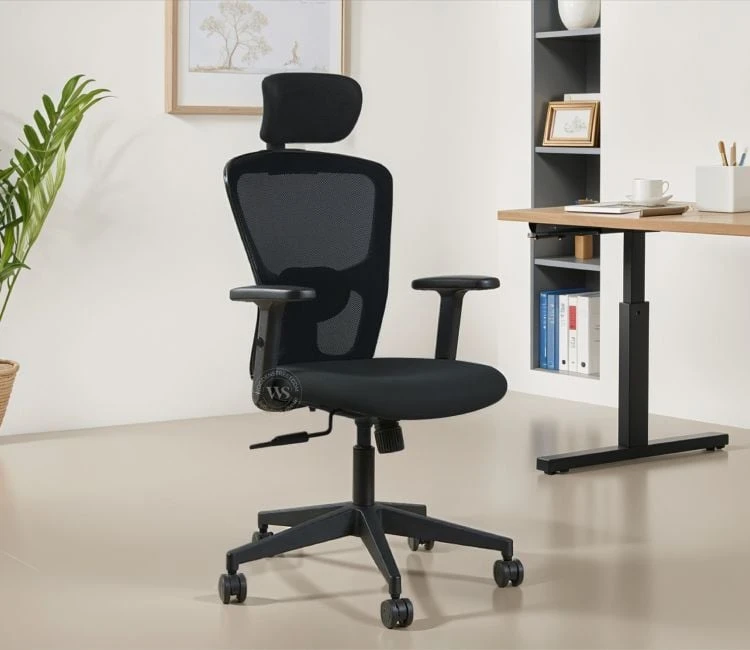

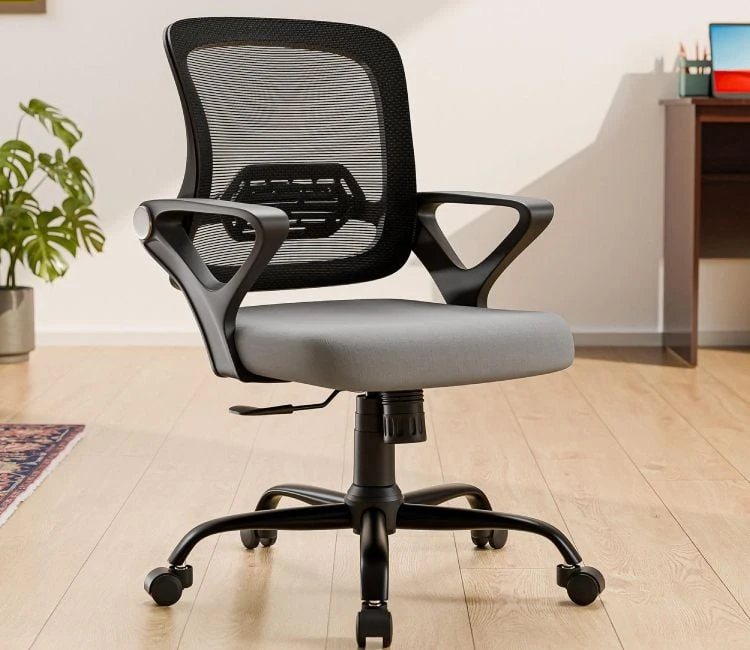
In today’s work environment, whether at home or in the office, the right setup can make a huge difference in comfort, health, and productivity. Your office chair plays a crucial role in this setup. Properly adjusting and positioning your office chair not only prevents discomfort and injuries but also helps maintain focus and efficiency throughout long work hours. Here’s a comprehensive guide on how to set up your office chair for optimal ergonomics and work efficiency.
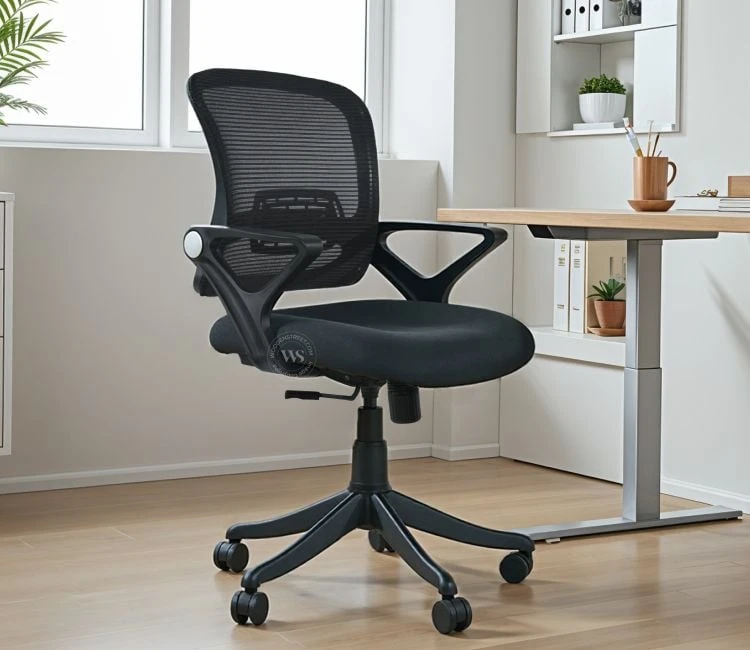
Why Ergonomics Matter
Ergonomics is the science of designing workspaces to fit the user’s needs, aiming to improve comfort and reduce physical strain. Poor posture and incorrect seating positions can lead to back pain, neck stiffness, fatigue, and repetitive strain injuries. Setting up your office chair ergonomically supports your body’s natural alignment, reduces muscle tension, and promotes better circulation — all of which contribute to sustained productivity.
Step 1: Adjust the Chair Height
Start by adjusting your office chair height so that your feet rest flat on the floor or on a footrest. Your knees should be at about a 90-degree angle, level with or slightly lower than your hips. This position helps reduce pressure on your lower back and thighs. If your feet dangle or your knees are too high, it can restrict blood flow and cause discomfort.
Step 2: Set the Seat Depth and Angle
If your chair allows, adjust the seat depth so there is about 2-4 inches of space between the back of your knees and the seat edge. This spacing prevents pressure on the back of your legs, improving circulation and comfort. The seat angle should be neutral or slightly tilted forward to encourage an open hip angle, which reduces lumbar stress.
Step 3: Position the Lumbar Support
Your office chair should have lumbar support that fits into the natural curve of your lower back. Adjust the lumbar support height and firmness so it supports the inward curve of your lumbar spine. This helps maintain the natural "S" shape of your spine and prevents slouching, which can lead to chronic lower back pain.
Step 4: Adjust the Backrest
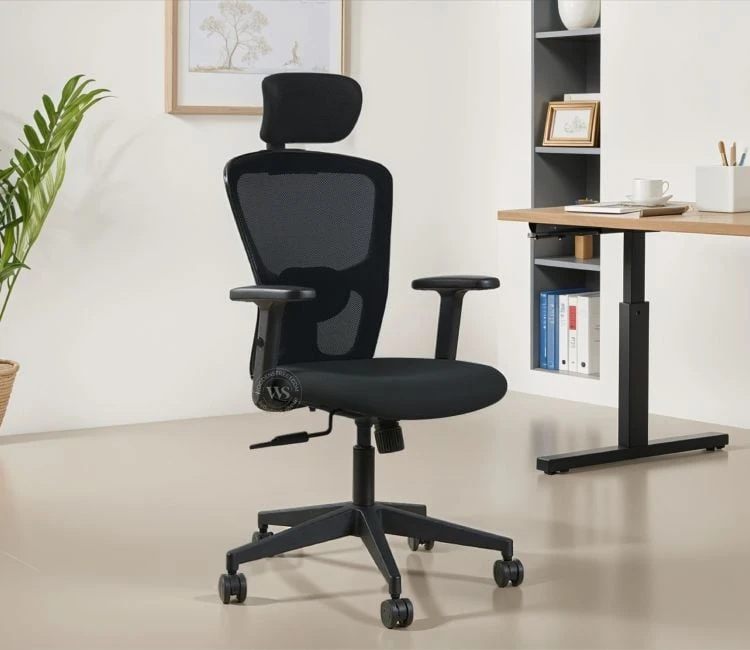
The backrest should support your entire back comfortably. Tilt the backrest to a slight recline of about 100-110 degrees to relieve pressure on your spine and encourage a relaxed posture. Make sure the backrest height is adequate to support your upper and lower back.
Step 5: Set Armrest Height and Position
Armrests help reduce shoulder and neck strain by supporting your arms during typing or mouse use. Adjust the armrest height so your shoulders remain relaxed and elbows bend at approximately 90 degrees. Your forearms should rest lightly on the armrests without raising your shoulders or causing you to lean forward.
Step 6: Check Your Workspace Alignment
Your chair setup must work in harmony with your desk and monitor. Sit close enough to your desk so that your elbows can rest comfortably at your sides without reaching forward. Your computer monitor should be at eye level, about an arm’s length away, to avoid neck strain from looking up or down.
Step 7: Take Breaks and Move
No matter how perfectly you set up your chair, sitting for long hours without movement can cause stiffness and fatigue. Aim to stand, stretch, or walk for a few minutes every hour to increase circulation and reset your posture. Consider using a sit-stand desk to alternate between sitting and standing positions throughout the day.
Additional Tips for Maximum Efficiency
- Use a Footrest: If your feet don’t comfortably reach the floor, a footrest can improve posture and circulation.
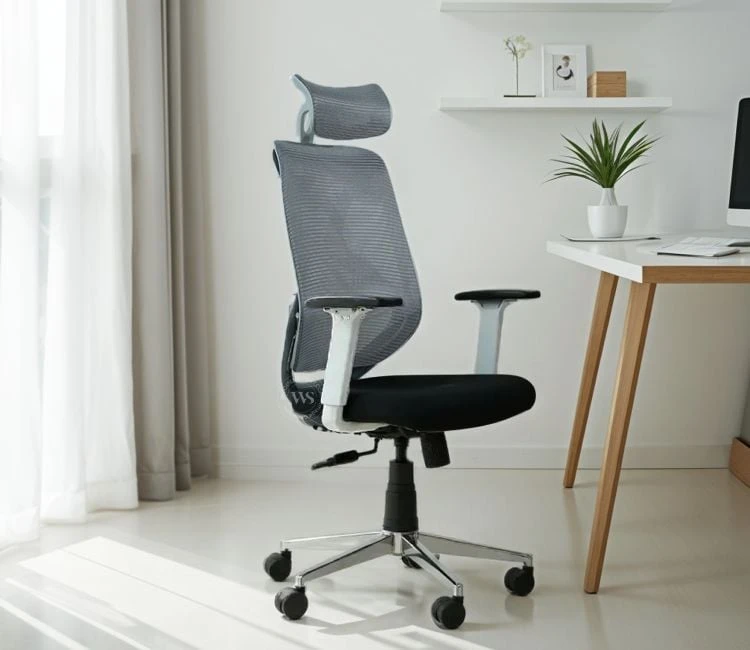
- Choose a Chair with Adjustable Features: The more adjustable your chair is, the easier it is to find the perfect ergonomic fit.
- Maintain Good Posture: Sit with your back straight, shoulders relaxed, and avoid slumping or leaning forward.
- Keep Frequently Used Items Within Reach: Arrange your workspace so you don’t need to stretch excessively, reducing strain.
Conclusion
An ergonomically set up office chair can dramatically improve your comfort, reduce the risk of musculoskeletal problems, and boost your overall work efficiency. By following these simple yet effective steps, you can create a workspace that supports your health and productivity, whether you’re working from home or at the office. Remember, investing time in proper setup is an investment in your well-being and performance.













Sign in to leave a comment.