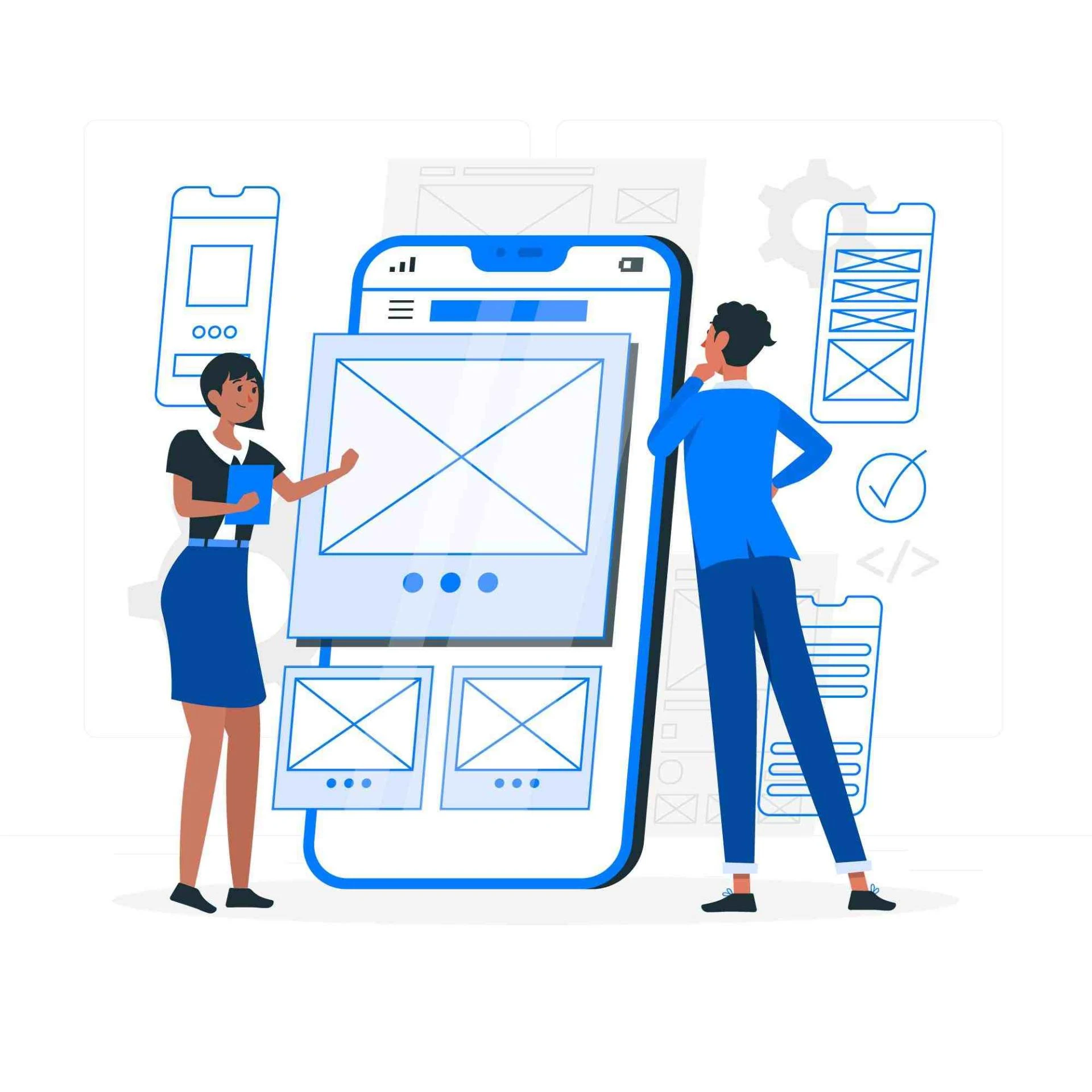

When it comes to designing products, there are two big decisions that you need to make: what to build and how to build it. Prototyping is a great way for designers and developers to test out their ideas before they move onto the next phase of development. It's also helpful when communicating with clients who might have different requirements than your team does when they're looking at mock-ups or wireframes alone.
You can make edits quickly and easily
When you're designing a prototype, it's easy to make changes because everything is visible on the screen. When you're working with traditional methods of wireframing and prototyping, your work remains hidden behind closed doors and in hard-to-find folders on your computer. With a prototyping tool like MockFrame, all of your designs are available right at your fingertips! This makes it easier than ever before for anyone involved in the process to see how their design works before they invest too much time into creating more complex mockups.
You can test your design with real users and clients
User testing is a key part of the design process. You can't test your designs with real users if you don't have any, and it's important that they be involved in the process from start to finish.
Even prototyping tool allow designers to create prototypes that are as close as possible to their final product—but they're often not good enough for user testing because they lack some functionality or are too complicated for users' tastes. By creating a simple wireframe mockup with one click, however, you'll get an idea about how your product will feel for users before going through all those hours (and money) on development work!
It's easy to communicate ideas to your clients
One of the most common reasons for using a prototyping tool is to communicate your ideas to your clients. You can show them what the final product will look like, how their input will be used and how it affects the user experience.
This can be especially helpful if you’re working with people who don’t have a technical background. They will be able to see exactly what the product will look like, instead of having to imagine it from your description alone.
You can also use a prototyping tool to get feedback on your idea early in the design process. This allows you to make changes before you invest too much time and effort into a project.
You can make the changes clearly
One of the main benefits of using a prototyping tool is that you can make changes easily and quickly. You can test your design with real users and clients, who will be able to give feedback on what they like and dislike about it. This helps you understand if there are any parts of the project that need adjustments before moving forward with production.
A prototype also provides an opportunity for communication between yourself, your client(s), or other stakeholders in order to get feedback on how things are going so far. This allows everyone involved in the process to understand where things stand at any given moment in time—which makes it much easier for them to provide input when needed later down the line!
You can explain your thinking more convincingly
Prototyping is a great way to show your thinking and design process. You can explain what you have done, how it fits into the bigger picture, and how it differs from other designs.
It’s also a great way to show how your design solves problems and provides value. You can use wireframes, sketches, layouts and prototypes.
These are all ways for you to show your thinking and design process. You can explain what you have done, how it fits into the bigger picture, and how it differs from other designs. It’s also a great way to show how your design solves problems and provides value.
You can save time by prototyping rather than creating a throwaway design
In the design process, you may find yourself working on multiple projects at once. By creating a prototype for each project and testing it with real users and clients, you can save time by not having to create throwaway designs.
You will also be able to make changes more easily and quickly because prototypes are easy to change. If a client doesn’t like something about your design, they can have an immediate impact on how things look by simply changing one element. This makes it much easier than trying to convince them of how well-thought out your idea really is without an actual physical representation of what needs changing or adding (which could take days).
Using a prototyping tool makes it easier to iterate on your product
Using a prototyping tool makes it easier to iterate on your product, which, in turn, makes it better for your users. This is because you can quickly test out new features and functionality by making changes to the prototype. This allows you to see how those changes affect the user experience before implementing them into production. If a feature isn’t working as expected or someone has an idea for an improvement that would make their lives easier or more productive, then adding that feature or improving upon something else can be done faster with some input from users themselves!
Conclusion
As you can see, using a prototyping tool is beneficial to everyone involved. It offers designers a chance to iterate on their designs, which makes it easier for clients and users alike. But what if you don't have access to one? Well, there are many other options out there that can help you create amazing user experiences while saving time and money in the process.









Sign in to leave a comment.