

When you're dealing with large amounts of text, whether for editing documents, cleaning up messy data, or managing content updates, replacing text can be a tedious task.
That's where replace text tools come in, they automate the process, saving you time and reducing errors.
While many general text editors offer find-and-replace functionality, sometimes you just need a tool specifically designed for this task.
From simple browser-based tools to more advanced options with features like regular expressions or batch processing, these tools make text replacement faster and easier.
I’ve put together a list of the top 10 replacement text tools to try in 2025. Each one has its strengths, whether it’s handling PDF replacements, working with structured text, or processing multiple replacements at once.
Let’s dive into the details so you can pick the tool that’s right for your needs!
10 Replace Text Tools List to Try in 2025
Sometimes, all you need is a simple tool to replace words or phrases in a block of text without the extra bells and whistles.
Whether you're cleaning up content, modifying large datasets, or making repetitive edits, there are tools designed specifically for this purpose.
Here’s a list of the top 10 replace text tools that make your job quick and easy in 2025.
1. CaseConverter Replace Text Tool
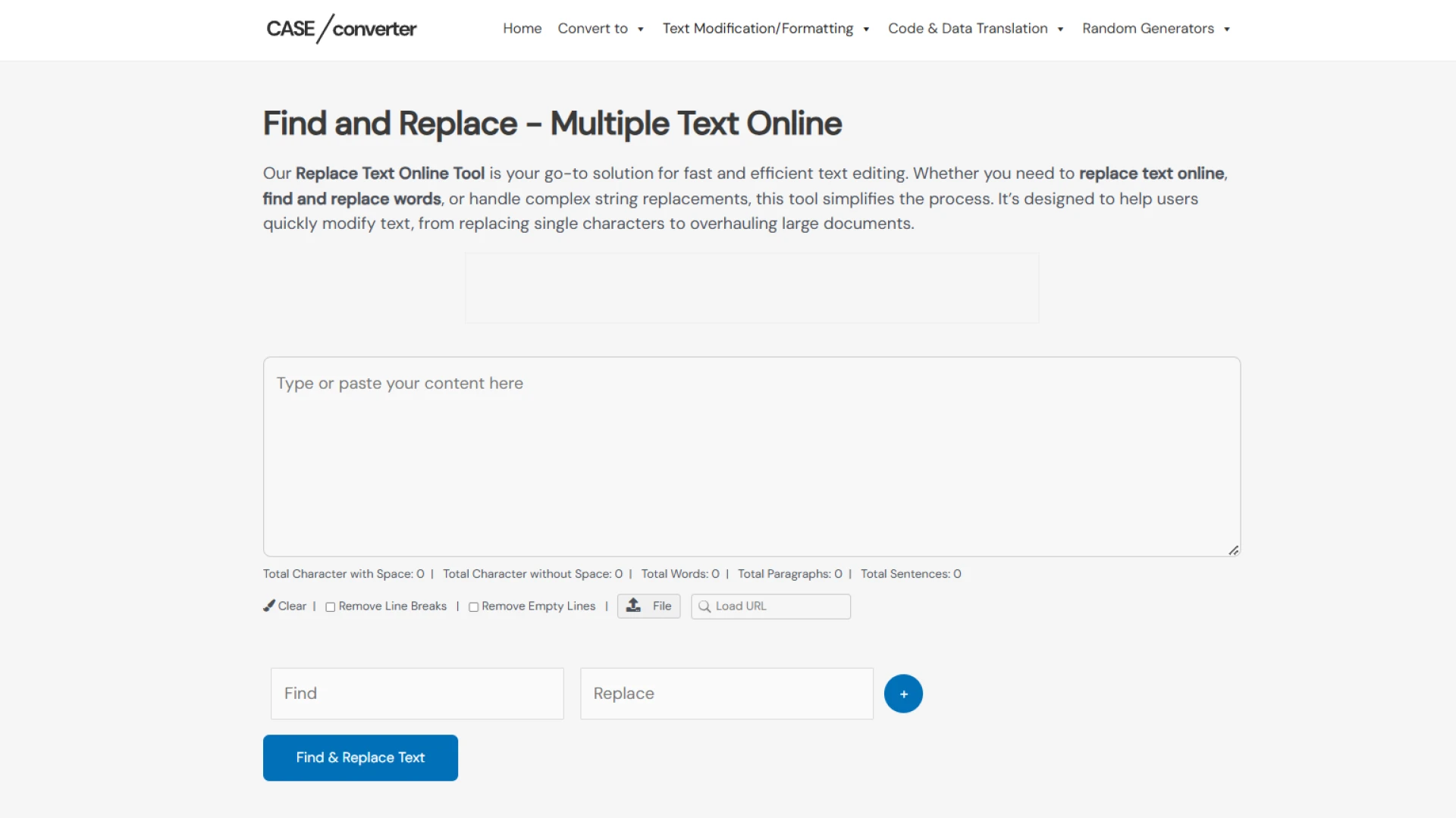
The CaseConverter Replace Text Tool is an online utility designed to make text replacement as simple as possible. It’s perfect for those quick tasks where you need to replace one word or phrase with another without any unnecessary complications.
Specialty: This tool focuses exclusively on basic text replacement, making it ideal for quick edits.
Best For: Writers, editors, or anyone working with small amounts of plain text who need a straightforward solution.
Pros:
- Incredibly easy to use.
- No installation is required since it’s entirely browser-based.
- Accessible from any device with an internet connection.
Cons:
- Lacks advanced features like regular expressions or case sensitivity.
- Not suitable for large or complex text processing needs.
2. Browserling's Online Text Tools
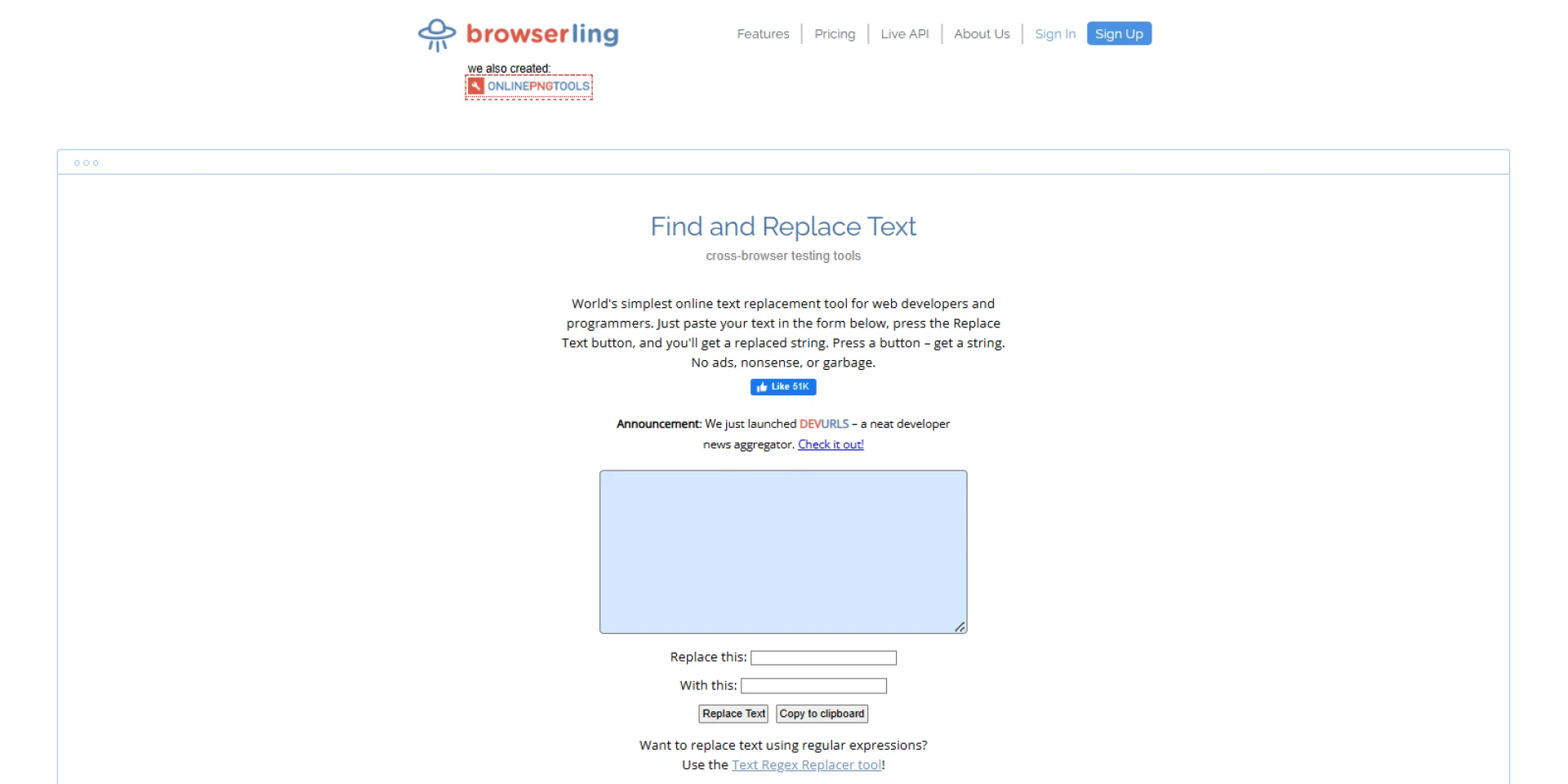
Browserling's Online Text Tools is a comprehensive platform that offers a variety of text manipulation tools, including a reliable find-and-replace feature.
Whether you’re editing text, cleaning up data, or transforming content, this multi-purpose suite makes it easy to handle different tasks all in one place.
Specialty: This platform combines multiple text editing utilities into one, making it a convenient solution for diverse text processing needs.
Best For: Users who want an all-in-one, browser-based platform for various text-related tasks without downloading multiple tools.
Pros:
- Includes a range of text manipulation tools, not just find-and-replace.
- Completely browser-based, so no installation is required.
- Accessible from any device, making it highly convenient.
Cons:
- Some advanced features, like extended functionality or higher usage limits, are restricted to the premium version.
3. Online Text Tools’ Replace Text
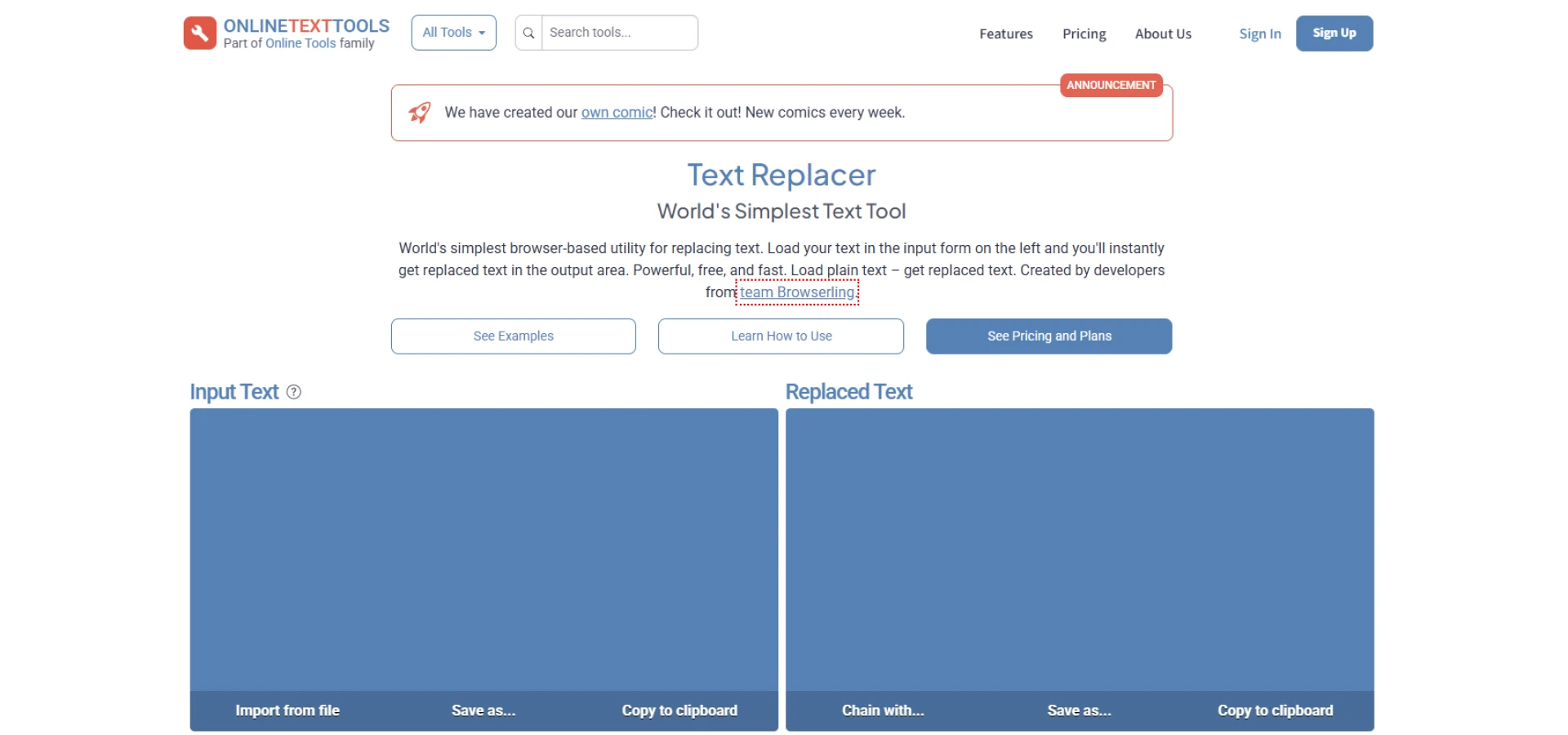
The Online Text Tools’ Replace Text feature is a powerful browser-based utility tailored for users who need advanced text replacement capabilities. With built-in support for regular expressions (regex), it’s perfect for handling complex patterns and tasks that go beyond simple find-and-replace operations.
Specialty: This tool is built for advanced users, offering regex support for intricate search-and-replace requirements.
Best For: Coders, data analysts, or editors who are familiar with regular expressions and need precise text replacement solutions.
Pros:
- Supports regex, enabling advanced search-and-replace patterns.
- Instant results make it easy to verify and refine changes.
- Accessible directly through any browser—no installation needed.
Cons:
- The regex feature can be challenging to use for beginners unfamiliar with its syntax.
- Limited to plain text and browser-based usage.
4. Unit Conversion’s Replace Text Tool
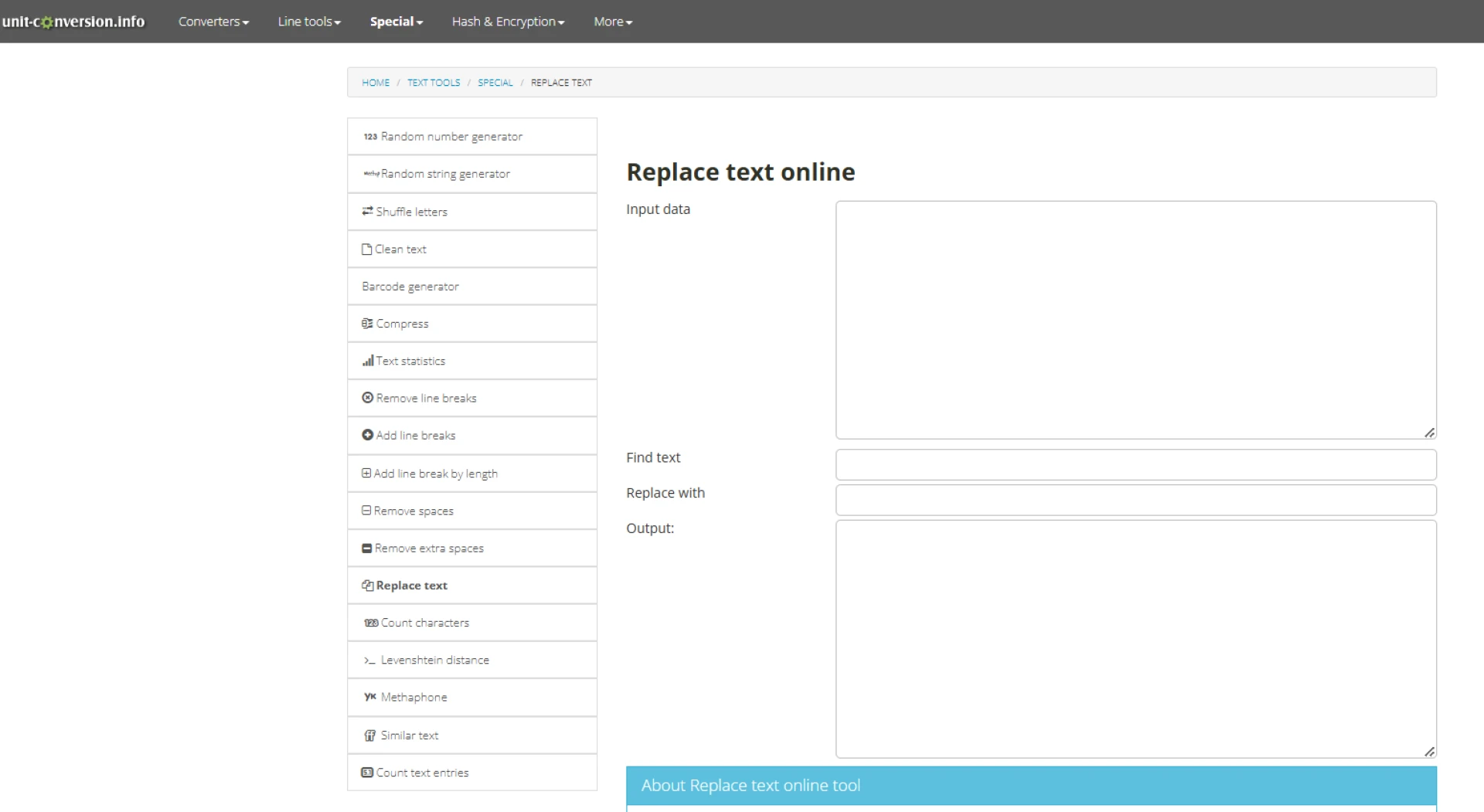
The Unit Conversion Replace Text Tool is a straightforward, no-frills online utility designed for basic text editing tasks.
Its clean interface and easy-to-use functionality make it perfect for quick find-and-replace operations without the need for advanced features or complex configurations.
Specialty: Simplicity is its key feature—this tool focuses on basic find-and-replace operations without any extra complications.
Best For: Users who need a hassle-free solution for quick text editing tasks, especially when working on plain text.
Pros:
- Simple, user-friendly interface.
- Accessible online from any device, no downloads required.
Cons:
- Does not support advanced features such as regular expressions or case sensitivity.
- May not be suitable for large-scale or complex text processing needs.
5. Joydeep Deb’s Find and Replace Tool
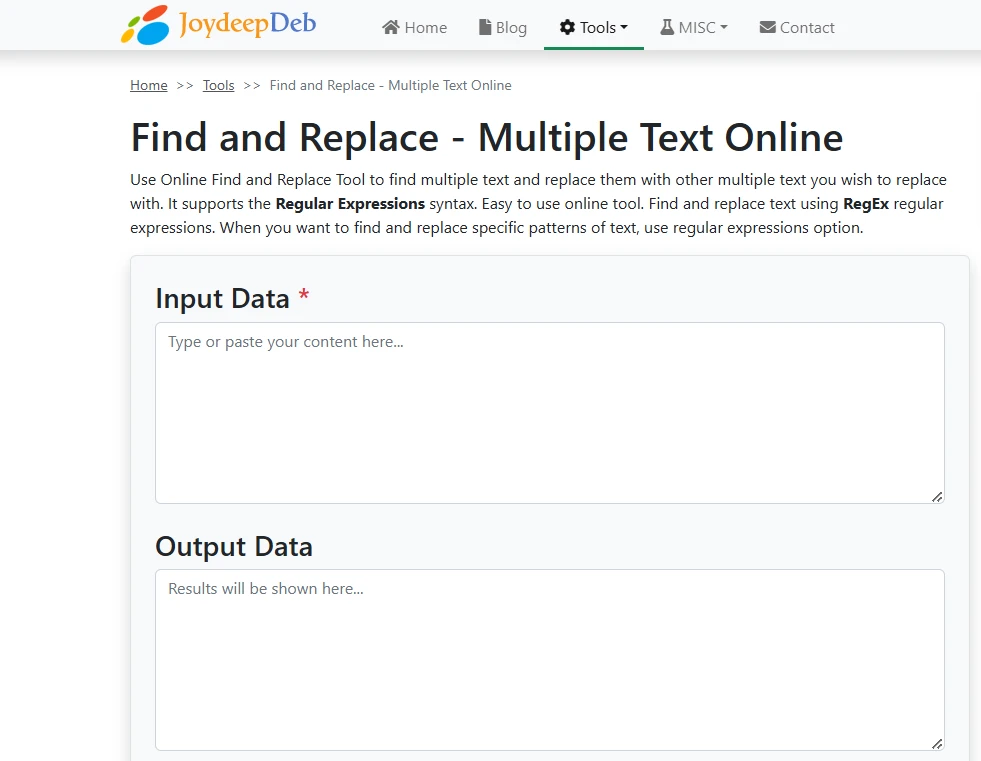
Joydeep Deb’s Find and Replace Tool is a practical online tool designed for batch find-and-replace tasks.
Unlike most tools, this one allows you to input multiple search-and-replace strings at once, making it a time-saver for repetitive edits. With support for regular expressions, it also caters to users with more advanced text editing needs.
Specialty: It specializes in batch replacements, letting you replace several words or phrases in a single operation.
Best For: Users handling repetitive text edits, such as coders, content editors, or anyone managing large blocks of text with multiple replacements.
Pros:
- Supports batch find-and-replace operations for greater efficiency.
- Offers regex support for more complex replacements.
Cons:
- The interface feels slightly outdated compared to modern tools.
- Input size is limited, which may be a drawback for large-scale tasks.
6. TextFixer’s Replace Text Online
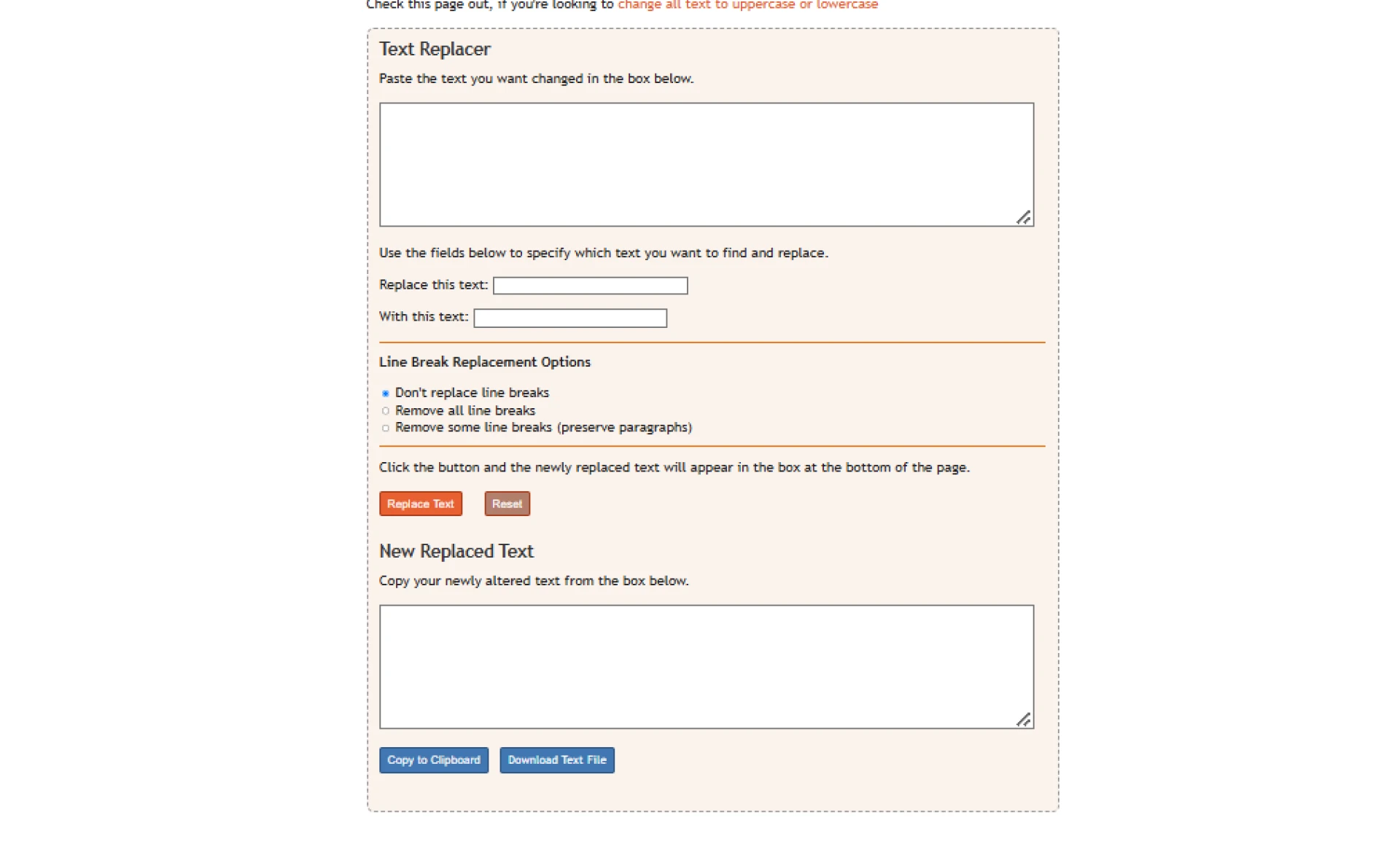
The TextFixer Replace Text Online tool is a free and easy-to-use platform tailored for basic text replacement needs, with a special focus on managing line breaks.
Whether you need to preserve or remove line breaks during your edits, this tool makes it simple to handle text-heavy content efficiently.
Specialty: Its standout feature is the ability to manage line breaks, which is especially helpful for formatting text-heavy content.
Best For: Editors or writers dealing with structured text where line breaks need to be preserved, adjusted, or removed during replacements.
Pros:
- Provides dedicated options for handling line breaks.
- Intuitive interface that’s simple and easy to navigate.
- Free to use and accessible from any web browser.
Cons:
- Does not offer regex support for advanced search patterns.
- Limited to plain text and lacks features for rich text or larger-scale tasks.
7. HiPDF Replace Text in PDF
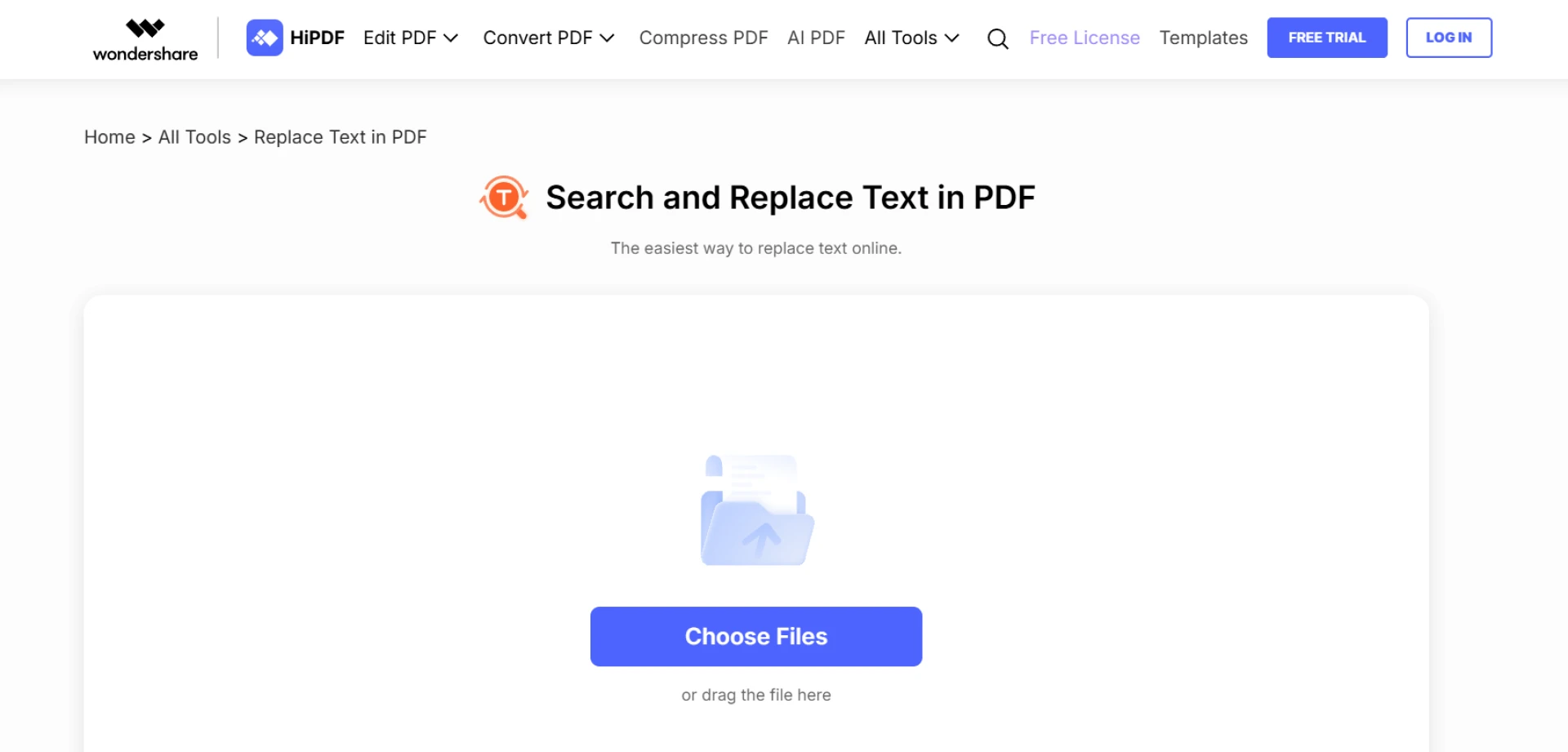
The HiPDF Replace Text in PDF tool is a specialized platform designed for editing text directly within PDF documents.
Unlike most text replacement tools, this one allows you to make changes to PDFs while keeping the original formatting intact, saving you the trouble of converting files back and forth.
Specialty: Its unique capability lies in directly replacing text within PDF files without disrupting their layout or design.
Best For: Users who frequently work with PDFs and need to update text content while preserving the file's formatting and structure.
Pros:
- Specifically tailored for PDF text replacement.
- Maintains the original formatting of the document.
- Easy-to-use interface for quick edits.
Cons:
- Larger files or advanced features may require account creation or premium access.
- Performance may vary based on the size and complexity of the PDF file.
8. Text Mechanic’s Find and Replace Tool
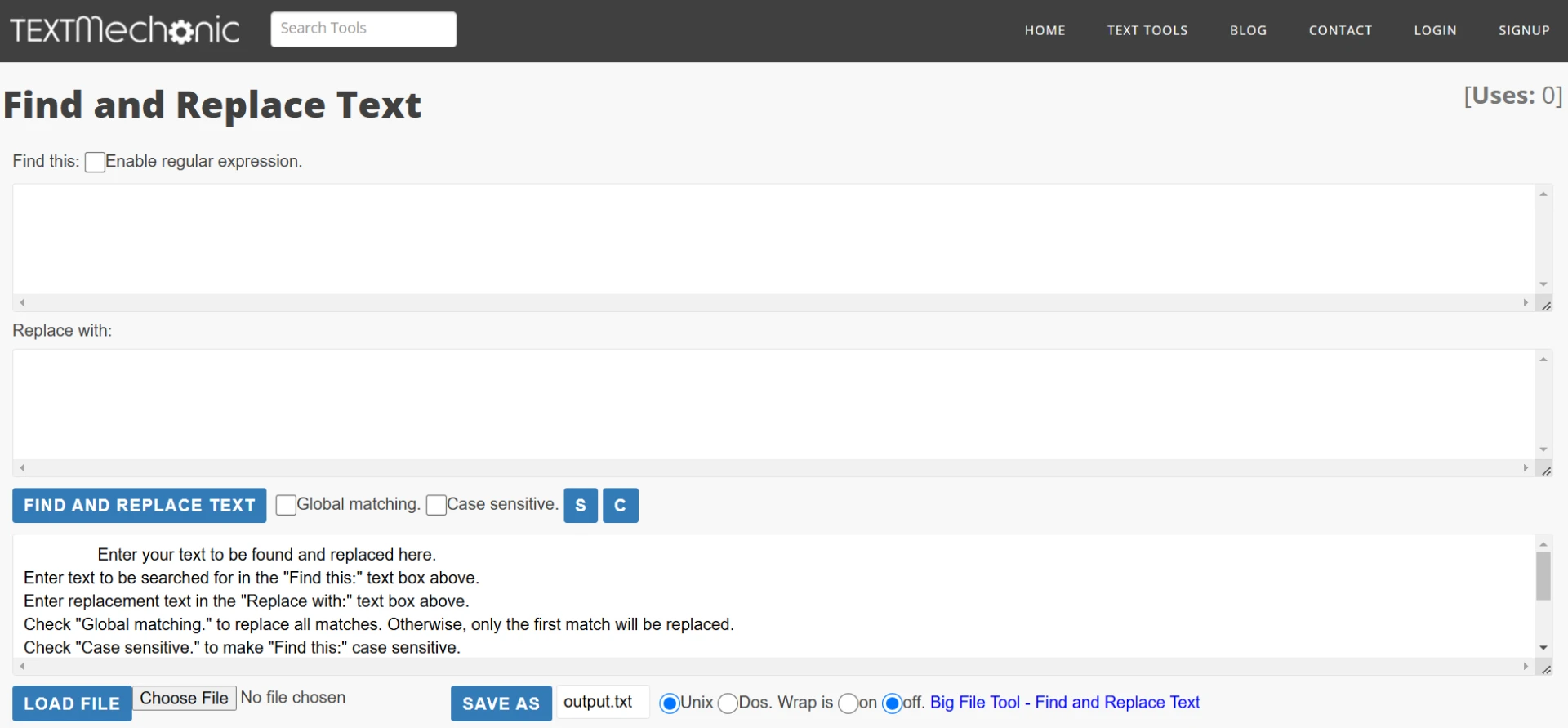
The Text Mechanic Find and Replace Tool is a versatile text manipulation utility that offers advanced features such as regex support and case sensitivity options.
It’s ideal for users who need precise control over their text replacements, especially when working with large text blocks or complex patterns.
Specialty: This tool shines with its ability to handle global replacements using advanced options like regular expressions and case matching.
Best For: Power users, such as developers, data analysts, or editors, who need advanced capabilities for managing large or complex text edits.
Pros:
- Offers robust support for regular expressions (regex), enabling complex replacements.
- Includes case sensitivity options for precise text matching.
- Capable of handling large blocks of text efficiently.
Cons:
- The advanced features and interface can be overwhelming for casual users unfamiliar with regex.
- Primarily designed for plain text, so it may not support rich text formats.
9. TextCleaner’s Find and Replace Tool
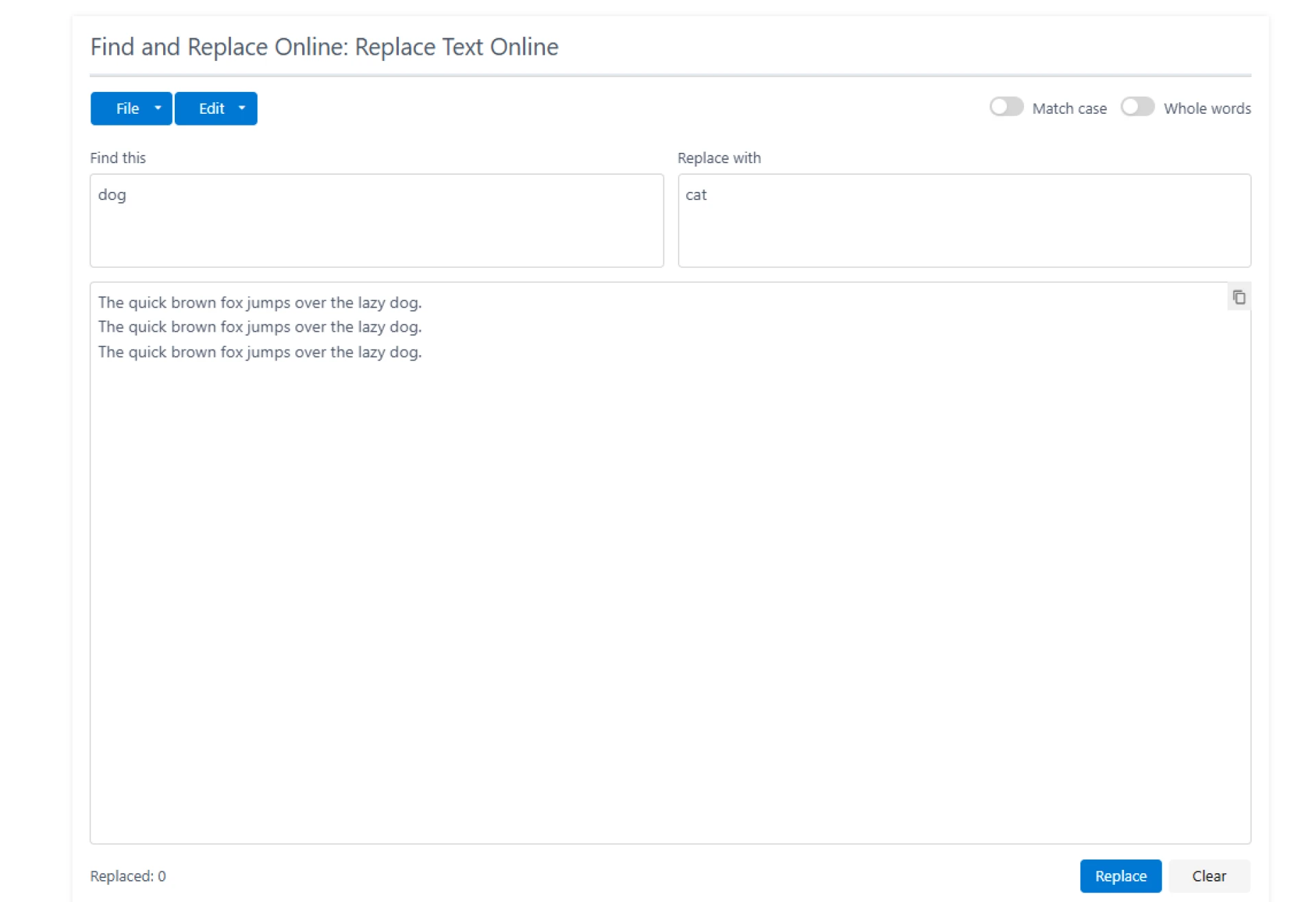
The TextCleaner Find and Replace Tool is an online platform designed to clean up messy text inputs and perform basic find-and-replace operations.
Whether you're working with structured or unstructured content, this tool simplifies the process of tidying up and editing text.
Specialty: Its key feature is text cleanup, allowing users to prepare messy or unformatted text for replacements in a straightforward manner.
Best For: Anyone dealing with poorly formatted or disorganized text that needs both cleanup and replacement, such as writers, editors, or researchers.
Pros:
- Combines text cleanup with replacement, saving time and effort.
- User-friendly interface that’s simple to navigate.
- Works well for both structured and unstructured content.
Cons:
- Limited advanced features like batch replacements or regex support.
- May not handle large-scale edits efficiently.
10. ToolsFromDev Replace Text Tool
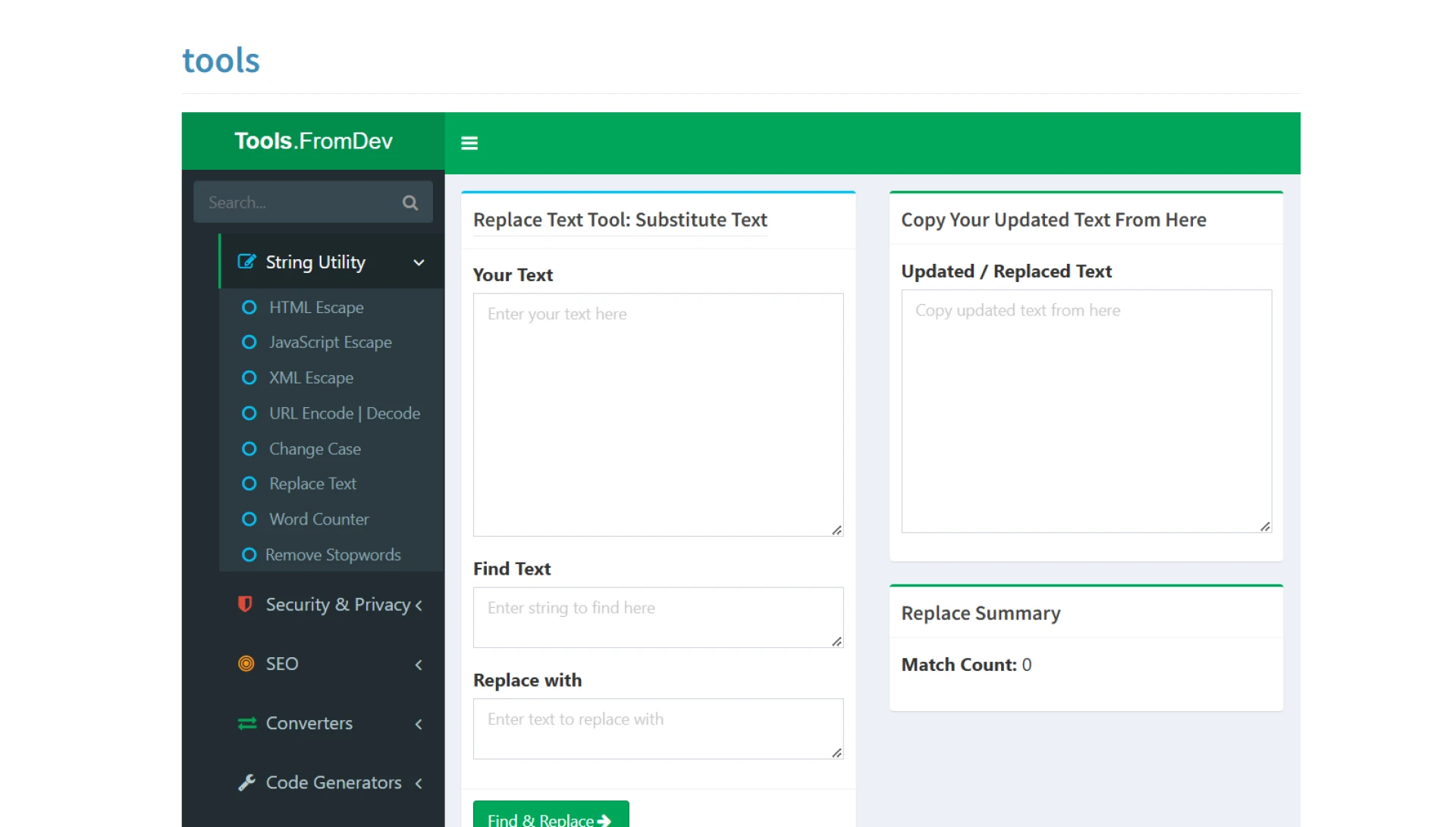
The ToolsFromDev Replace Text Tool is a free and straightforward online tool designed for quick and simple text replacements.
It’s best suited for users who want an easy way to make basic edits without needing any advanced features or configurations.
Specialty: Focused on basic plain text replacements, it delivers a simple and efficient solution for casual users.
Best For: Casual users who only need to replace text in plain files and don’t require complex functionality.
Pros:
- Easy-to-use, straightforward interface.
- No login or registration required to access the tool.
- Completely free and browser-based.
Cons:
- Limited to basic text replacement tasks.
- Lacks advanced features such as batch replacements or regex support.
Conclusion
Text replacement tools can save you time and effort, whether you’re making simple edits or handling complex tasks. This list includes a mix of tools for different needs, from basic options like CaseConverter and ToolsFromDev, to advanced tools like Text Mechanic and Joydeep Deb’s Tool for regex and batch replacements.
If you’re working with PDFs, HiPDF is a great choice, while tools like TextCleaner help tidy up messy content before making edits.
Explore a few of these tools to see which one fits your requirements. With so many options available, you’re sure to find one that makes text editing simpler and faster!












Sign in to leave a comment.