

Smart home automation is revolutionizing the way we live. From controlling lights with a smartphone to automating security systems and optimizing energy consumption, the modern home is rapidly becoming a hub of interconnected devices. However, building and managing these systems requires more than just a collection of gadgets — it demands strategic planning, accurate documentation, and clear visualization of how everything connects.
That’s where a free schematic diagram tool comes in.
Whether you're a professional AV integrator, DIY enthusiast, or smart home designer, having access to reliable schematic diagram software is crucial for organizing complex systems, identifying connection paths, and avoiding costly errors. In this blog, we’ll explore the top free schematic diagram tools specifically suited for smart home automation projects, highlight their features, and help you decide which one fits your needs.
Why You Need a Schematic Diagram Tool for Smart Homes
A smart home system typically involves multiple interconnected components:
- Smart lights, switches, and sensors
- Thermostats and HVAC controllers
- Security cameras and access systems
- Smart speakers and AV equipment
- Gateways, hubs, and cloud services
- Networking components like routers and PoE switches
Without proper diagrams, it’s easy to lose track of which device connects where, which protocol (e.g., Zigbee, Z-Wave, Wi-Fi) is in use, or what power supply is required.
Using a free schematic diagram tool helps you:
- Visualize and plan complex home automation setups
- Avoid incorrect wiring or overloading circuits
- Troubleshoot systems faster
- Document your work for upgrades or professional collaboration
Top Free Schematic Diagram Tools for Smart Home Projects
Here are some of the best tools available at no cost that can help you design smart home automation schematics with precision and efficiency.
1. XTEN-AV (Free Tier)
Best for: AV professionals and smart home designers needing AV + automation integration
Website: xtenav.com
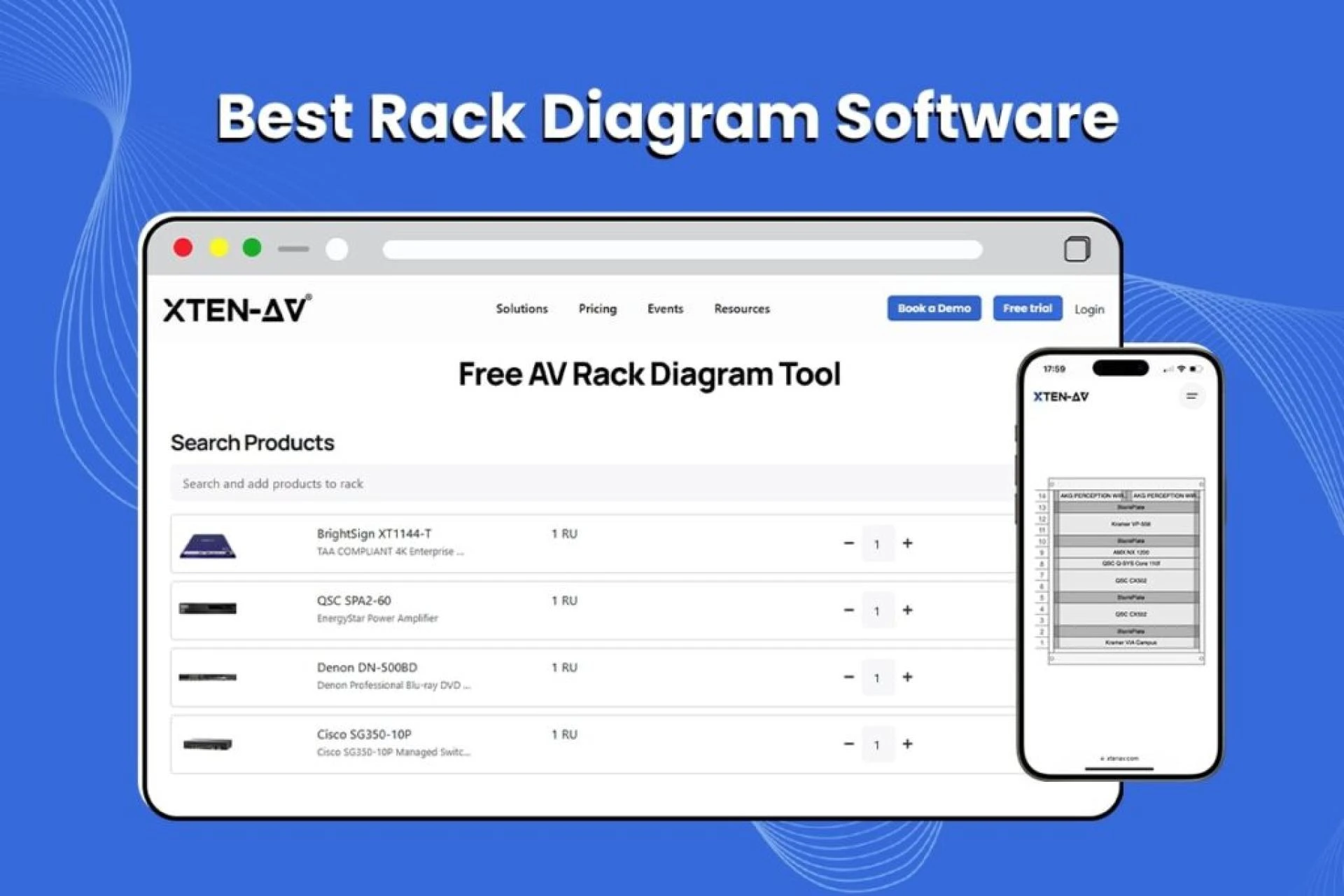
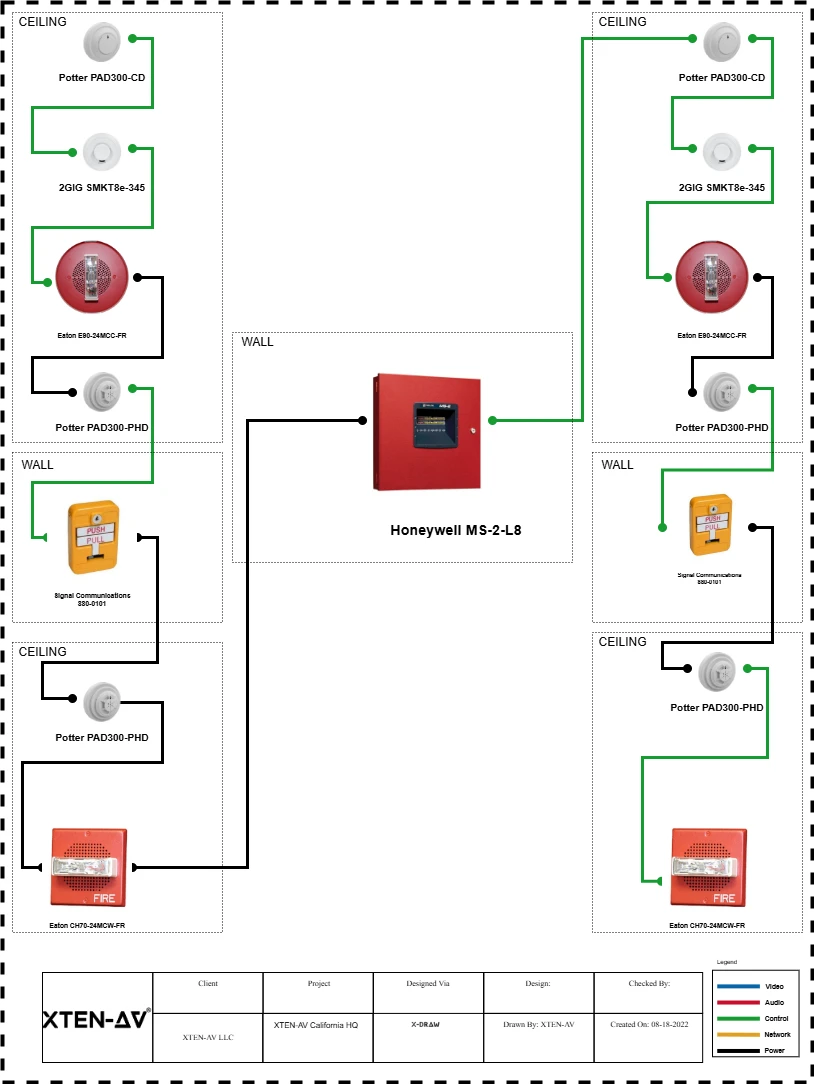
XTEN-AV is a powerful cloud-based AV system design tool that includes a robust free schematic diagram tool. It offers pre-built libraries of AV and control system components, drag-and-drop interfaces, and AI-powered automation for designing racks, schematics, and signal flow diagrams.
Features:
- Free version available with schematic drawing and AV-focused templates
- Access to AV, automation, and network device libraries
- Project collaboration and cloud storage
- Auto-routing and AI-driven layout suggestions
Ideal for: Smart homes with integrated AV, control, and automation systems.
2. Fritzing
Best for: DIYers and hobbyists building hardware-based smart home setups
Website: fritzing.org
Fritzing is a user-friendly open-source electronics design software. While it’s primarily for prototyping with Arduino or Raspberry Pi, it’s perfect for creating visual schematics for smart home automation involving sensors, microcontrollers, and relays.
Features:
- Breadboard and schematic views
- Supports export to PCB design
- Drag-and-drop interface
- Large community and part libraries
Ideal for: DIY automation enthusiasts building custom smart home solutions.
3. Lucidchart (Free Plan)
Best for: Creating clean, intuitive logic and control system diagrams
Website: lucidchart.com
Lucidchart is a general-purpose diagramming tool that excels in flowcharts, network diagrams, and system schematics. It’s web-based and offers a generous free tier, making it suitable for mapping automation logic, device hierarchy, and system relationships.
Features:
- Professional templates and icons
- Supports layering and linking
- Collaborative cloud editing
- Export in PDF, PNG, etc.
Ideal for: Visualizing smart home logic flows and integrations.
4. KiCad EDA
Best for: Power users and engineers designing smart home circuit boards
Website: kicad.org
KiCad is a high-performance, open-source electronics design automation (EDA) suite. It's ideal for those creating custom PCBs for smart home controllers, relays, or hubs. Though more complex, it’s extremely powerful for custom electronics.
Features:
- Full-featured schematic capture tool
- Built-in PCB layout and simulation tools
- Extensive part library
- Supports multi-layer PCB design
Ideal for: Professionals building custom hardware for automation.
5. Draw.io (diagrams.net)
Best for: Quick and simple smart home layout and wiring diagrams
Website: draw.io
Draw.io is a free, browser-based diagramming tool that’s surprisingly versatile. While not specific to electronics, it allows users to create custom shapes, wiring diagrams, and smart home layouts with ease.
Features:
- Intuitive drag-and-drop interface
- Custom libraries and icons support
- Google Drive and OneDrive integration
- Offline desktop version available
Ideal for: Home users or pros needing simple, clear diagrams.
What to Look for in a Free Schematic Diagram Tool
When choosing the right free schematic diagram tool for your smart home automation project, consider the following:
- Component Libraries: Does it support AV, IoT, electrical, and network components?
- Ease of Use: Is it beginner-friendly or does it require technical experience?
- Export Options: Can you export your designs to PDF, SVG, or other formats for documentation?
- Collaboration: Can you work with a team or share the diagram with clients?
- Cloud vs Offline: Does it work offline or rely entirely on internet access?
- Integration: Can it link with automation platforms, device databases, or project management tools?
Smart Home Use Cases That Benefit from Diagram Tools
Here are a few smart home scenarios where schematic diagramming is a must:
Whole-Home AV Integration
Mapping how media servers, amplifiers, smart speakers, and control systems connect across zones.
Home Security and Access Control
Designing the placement of cameras, motion sensors, video doorbells, and alarms with wiring paths and power considerations.
Smart Lighting Control
Documenting the control hierarchy for smart switches, lighting scenes, and automation triggers.
HVAC and Energy Management
Visualizing thermostat control lines, smart meters, and energy usage dashboards.
Automation Logic
Creating logic diagrams that define automation sequences like “If motion is detected after 10 PM, turn on lights and send an alert.”
Conclusion
As smart homes become more sophisticated, clear planning and documentation become essential. A free schematic diagram tool offers a no-cost, high-value solution for mapping out your smart home automation ideas — whether you’re designing for a client, prototyping a DIY setup, or managing a complex AV system.
From intuitive drag-and-drop tools like Draw.io and Lucidchart to powerful AV-centric platforms like XTEN-AV, there's a tool out there to match your skill level, goals, and project complexity.
Embrace the power of visual thinking, avoid costly mistakes, and bring your smart home ideas to life with the right schematic tool in your arsenal.










Sign in to leave a comment.