

Power of Attorney is the most crucial legal procedure allowing someone to act on your behalf in legal, financial, or health-related matters. However, appointing someone as power of attorney needs a third person to witness the entire procedure. This is called as Power of Attorney witnessing, something more than the legal formality.
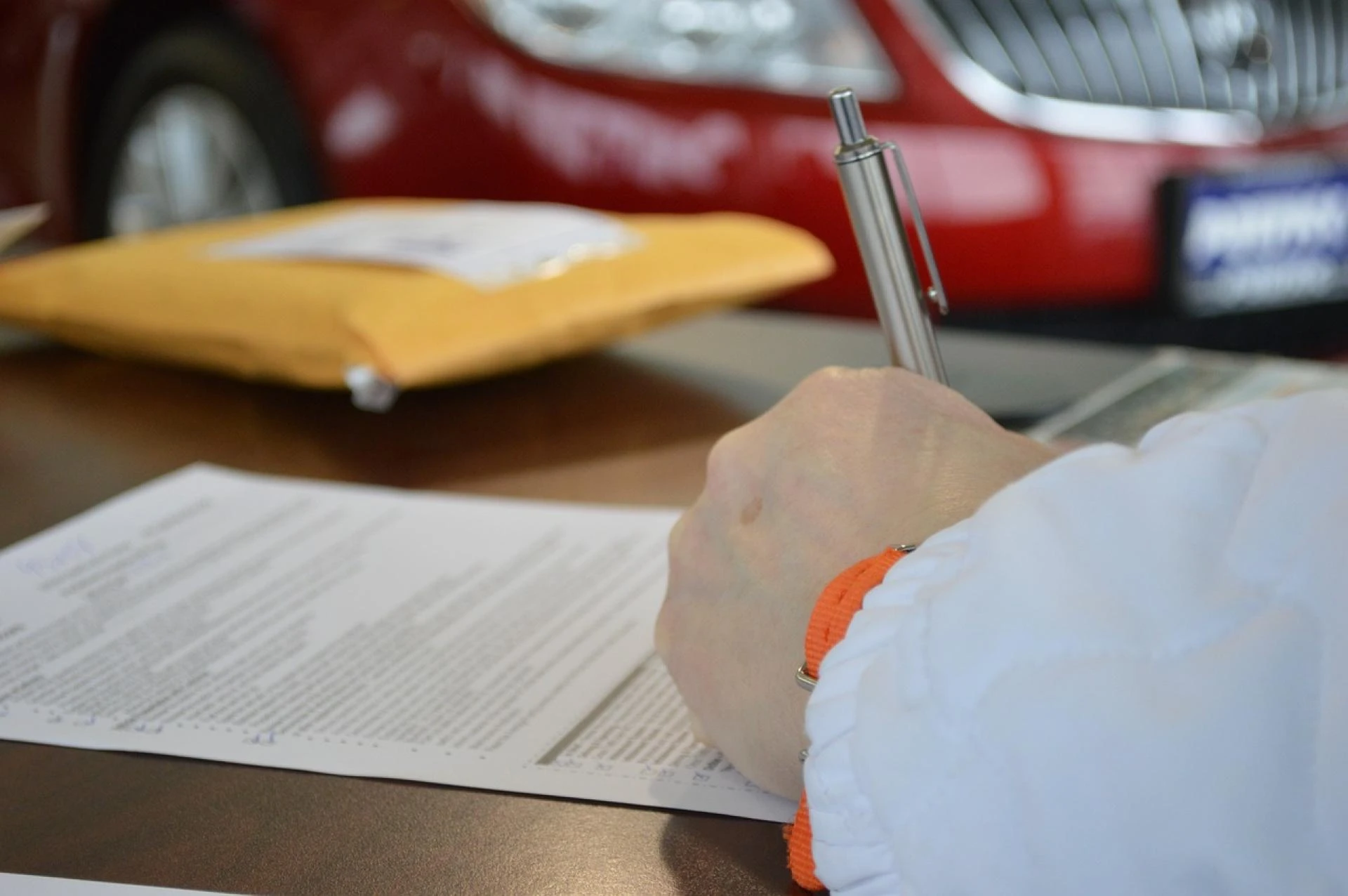
· Being a significant document granting authority, this needs to be signed in the presence of an independent witness to protect against fraud, coercion, and misunderstanding.
· A properly witnessed Power of Attorney ensures that the document will be accepted by courts, banks, and other institutions.
· The witness confirms that the person granting the authority signed willingly understood what they were doing, and was not under undue pressure.
· This step adds a layer of credibility that can be crucial if the document is ever challenged.
Who Can Act as a Witness?
A Power of Attorney witnessing needs a person over 18 years of age with a sound mind, and independent decision making power. In simple words, the witness should not be the person appointed as attorney, a relative of the attorney, or someone who benefits from the arrangement.
In some cases, a solicitor, notary public, or other professional may act as the witness to strengthen the document’s validity, especially for overseas use. If the Power of Attorney witnessing is not carried out correctly, this can be rejected, leading to delays, legal disputes, or the need to repeat the process. This can cause unnecessary expense and stress, particularly when urgent action is required.
Get Complete Assistance from Apostille & Legalisation Services Ltd
Apostille & Legalisation Services Ltd assists individuals and businesses in completing Power of Attorney witnessing quickly and correctly. With expertise in legal requirements and document certification, they ensure the process runs smoothly and avoids costly errors. Their professional approach provides peace of mind, whether the Power of Attorney is for use within the UK or internationally.













Sign in to leave a comment.