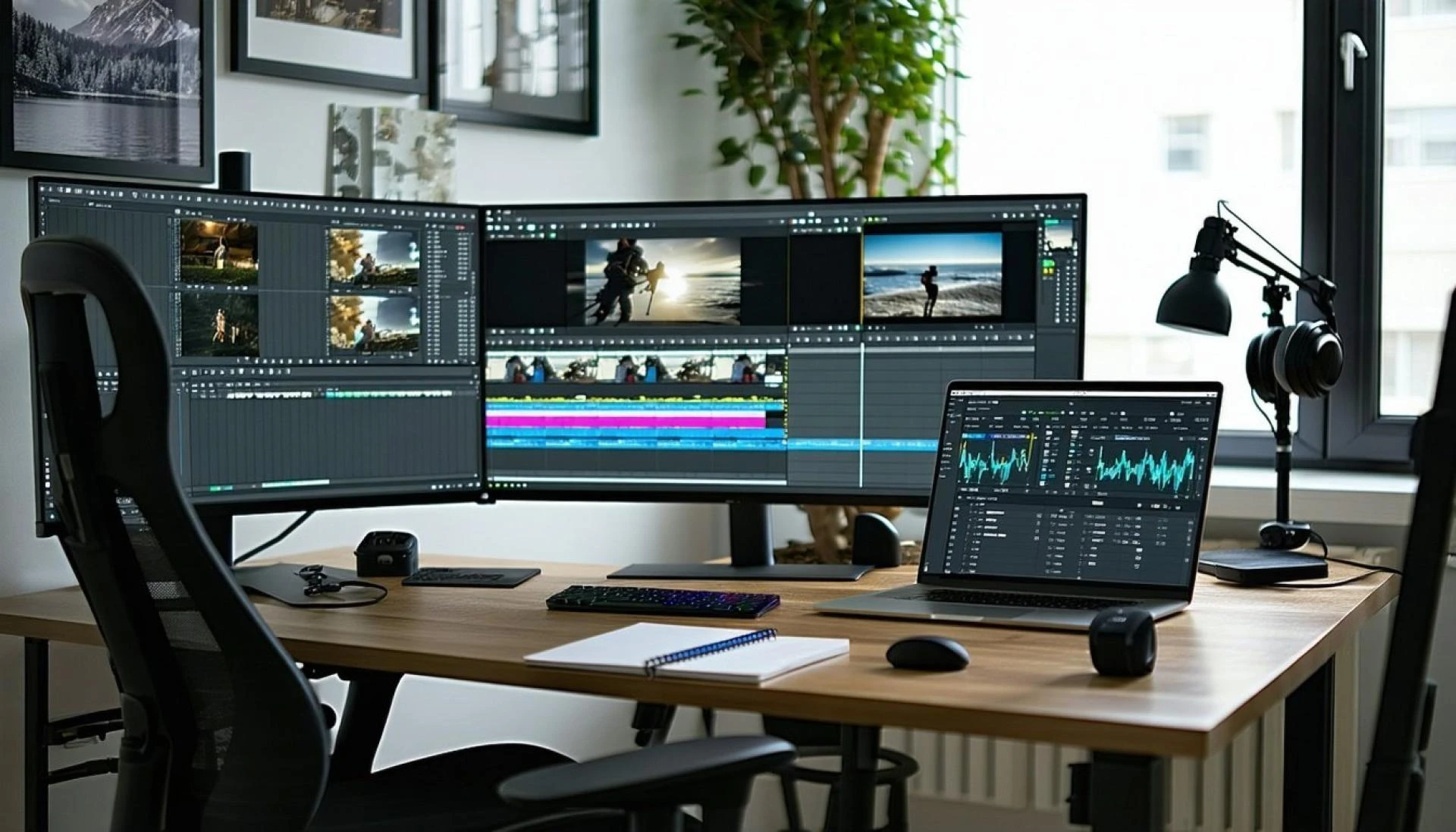

Workloads grow every year, and people need help to finish more in less time. Smart computers change the way we work.
In a McKinsey survey, nearly all employees (94 percent) and C-suite leaders (99 percent) report having some level of familiarity with GenAI tools.
This means more people trust AI to handle everyday tasks. An AI-driven smart desktop learns how you work. It responds fast. It supports you in school and office work. It removes stress by making tasks simple. You feel confident when the system handles heavy jobs with smart power.
Each gadget becomes easy to use. Every click moves smoothly to the next. Editing becomes simple. Emails take only a few seconds. Presentations look clean and clear. The right desktop gives you focus and comfort. You enjoy your tasks and finish more each day.
Keep reading to learn eight tasks, from email to editing, and how AI-driven desktops make them easy.
1. Photo Editing with Smart Support
Photo editing feels light when the system understands your style. The AI driven smart desktop works fast even with large files, and you get neat results with less effort. You focus on the design while the system handles power and speed.
Smart Touch for Better Images
The desktop uses tools that help you
- Fix lighting
- Improve colors
- Balance sharpness
Students and designers feel good because mistakes do not slow them down. Each filter updates fast, and the change feels natural. Editing becomes fun. You complete more work in less time. You feel proud of the results.
2. Smooth Video Editing without Delays
Video editing needs high power. A regular PC slows down when the workload becomes heavy. An AI desktop delivers strong performance and keeps everything running smoothly.
It supports
- Quick cuts and trims
- Fast export
- Clean, high-quality preview.
The system learns which app needs more power. It adjusts instantly to avoid delays. This gives creators a chance to focus on stories, not on waiting for the system to respond.
3. Writing Emails in a Clear Way
Emails are part of daily life. You write to teachers, or coworkers, or clients. You want speed and clarity. The AI-driven smart desktop helps you think and write fast.
It guides you with
- Short, clear message ideas.
- Real-time spelling checks.
- Helpful suggestions for tone.
You feel relaxed because your message looks neat. You finish tasks quickly. You avoid stress from long typing. This makes the inbox feel easy to handle.
4. Presentations that Impress Every Viewer
Clean slides help your audience stay focused. A smart desktop helps with every part of the design. You choose your topic. The AI suggests colors that match. It offers readable font sizes.
You stay focused on your main points while the system keeps the layout smooth. This creates trust. Teachers feel happy with strong visuals. Leaders in companies value clear slides. You build confidence every time you present.
5. Fast File Search that Saves Time
Searching files becomes a daily task for work and school. You often forget the exact folder. The AI desktop learns your habits. It finds what you need with one short word.
Easy Search for Busy People
- Faster file location
- Grouping by type
- Smart reminders for recent work.
This keeps your digital space clean. You use time wisely. You never worry when you need something urgent. Organization becomes a natural part of everyday work.
6. Running Many Apps at the Same Time
A normal PC slows down when you open too many apps. That breaks your focus. An AI-driven smart desktop seamlessly handles all apps. You video chat. You edit photos. You browse the web. All at the same time.
This helps when you study or work on big projects. You switch from one task to another without losing track. The AI gives power to the app you use most. It keeps the system cool and steady. You feel free to explore more ideas, as the computer remains strong.
7. Better Meetings and Video Calls
Online meetings are now a part of every job and class. The quality of sound and video matters. An intelligent desktop improves both. You stay clear on screen. The sound focuses on your voice.
Smart Call Tools that Help You Shine
The AI helps by
- Removing background noise.
- Balancing light on your face.
- Holding network quality steady.
This makes teamwork easier. You understand everyone. They understand you. You stay professional and calm in every call.
8. Strong Protection for Your Work and Data
Your files include schoolwork and personal details. Keeping them safe feels important. Smart desktops detect threats early. They alert you before you open harmful links.
You stay safe because of the system:
- Blocks unsafe downloads
- Stops hidden attacks
- Protects personal data
Security becomes a simple part of your daily routine. You trust your system while you grow in your work.
Why These Tasks Feel Easier with AI
You handle many things from morning to night. When technology supports you the right way, you feel stronger and more skilled. Every feature of an AI desktop is designed to enhance your comfort.
Here is how your day improves
- Less waiting
- More fun during tasks.
- More done in less time.
- Better focus on learning and goals.
The system becomes your partner, not just a machine.
Final Thoughts
Technology keeps moving forward. Workloads keep growing. People need tools that help them win every day. An AI-driven smart desktop gives real power in school and office tasks. It supports editing. It supports writing. It supports presenting. It supports meetings and file safety. It understands what you need and takes fast action.
You achieve a smooth work-life balance full of success and less stress. If you want strong performance and a future-ready setup, smart desktops are a great choice. They help you grow. They allow you stay sharp. They make every task easy and joyful. This is how work should feel today and always.










Sign in to leave a comment.