
Video creators spend many hours editing footage. A short video can take an entire evening to finish. You trim clips. You adjust color. You fix the sound. Then you wait for the file to render, and the process feels slow and tiring after a while.
An AI PC changes the entire editing experience. The system understands video content and helps with many editing tasks. It can organize clips, clean audio, and speed up rendering. This means you spend less time fixing technical details. Creators start focusing more on storytelling instead of repetitive work.
When you use the right features, your AI PC can cut video editing time in half while still keeping your videos professional.
1. Let AI Handle Rough Cuts Quickly
Most editing projects start with trimming long footage. You watch every second to find useful moments. This step alone can take a lot of time.
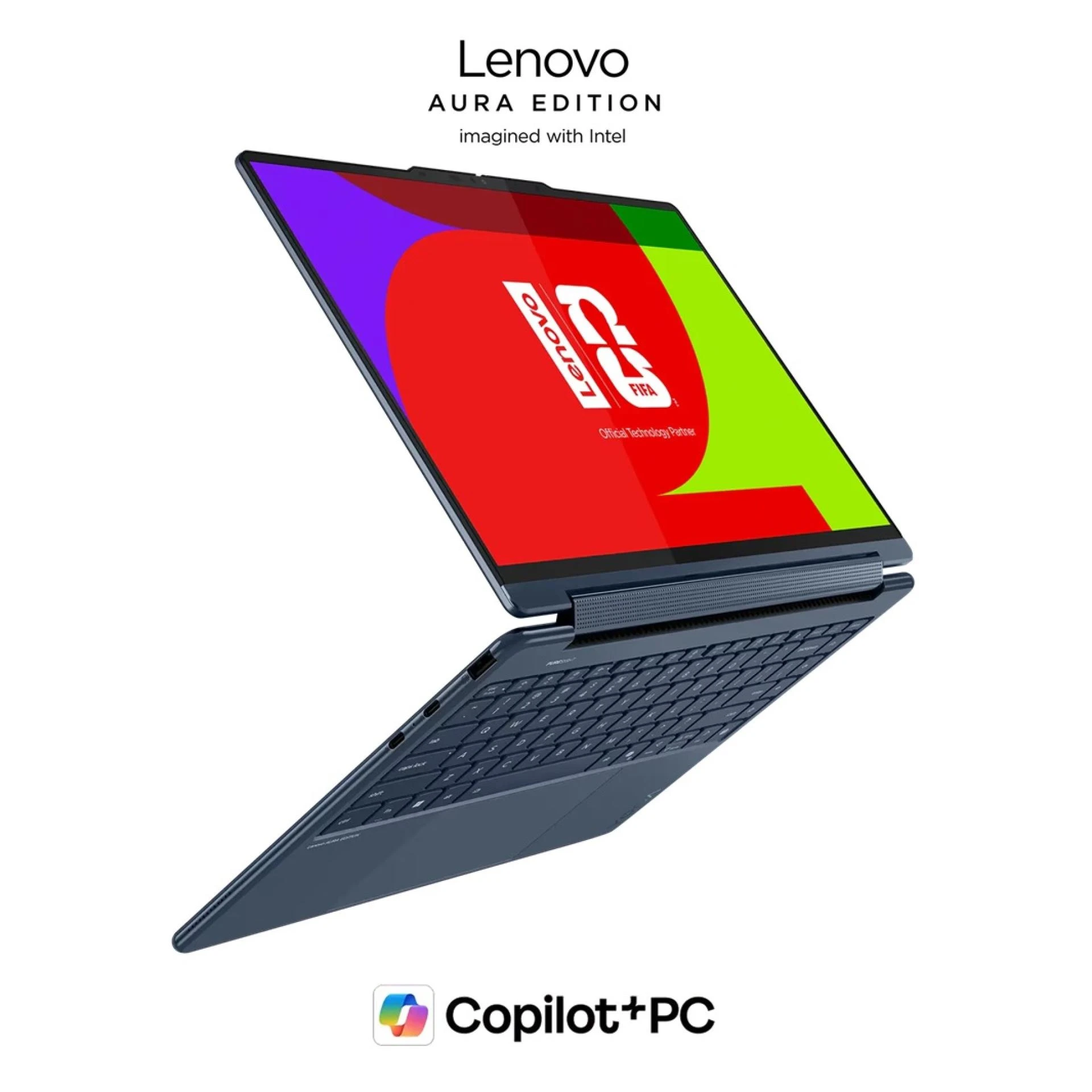
An AI PC for creators is designed to support creative work such as video editing, content production, and media processing with greater speed and intelligence. It looks for speech movement and visual changes. The system groups useful clips together so you can build a rough cut quickly.
Use Smart Scene Detection
Scene detection divides your footage into clear sections. You do not need to scroll through a long timeline again and again.
Your AI PC can quickly detect
- Scene changes
- Speaking moments
- Camera angle shifts
You open the timeline and see organized clips instead of one long recording. This saves hours during large projects.
After the clips appear in sections, you move them quickly on the timeline. Editing becomes simple and clear. You spend less time searching for clips and more time shaping the story.
2. Use AI-Assisted Color Correction
Color correction often feels repetitive. You adjust brightness and contrast for many clips. Lighting changes during filming can create different color tones. Fixing every clip manually takes patience. An AI PC analyzes lighting across the entire video. It balances color automatically so your footage looks consistent.
Apply Automatic Color Matching
- Color matching helps when clips come from different cameras or locations.
- The AI PC studies each clip and aligns the color tone across the timeline.
- This creates a natural visual flow. Viewers do not notice lighting changes between scenes.
- Creators often save a huge amount of time because they avoid adjusting every clip manually.
3. Speed Up Rendering with AI Hardware
Rendering can slow down the editing process. Many creators wait long periods before the final video finishes exporting. An AI PC includes specialized hardware built for creative work. This hardware processes video tasks much faster.
Use AI Accelerated Rendering
AI rendering processes groups of frames intelligently. The system predicts visual patterns in the video. This allows faster processing compared to traditional editing systems.
Creators quickly notice these benefits
- Smoother timeline playback
- Faster preview rendering
- Quicker final exports
Large video projects finish faster and your editing workflow stays smooth.
4. Turn Speech into Instant Captions
Captions help viewers understand videos better. They also improve accessibility and engagement. Writing captions manually takes a lot of time. Editors often replay clips again and again while typing subtitles. An AI PC can convert speech into text automatically.
Generate Captions in Seconds
The system listens to spoken words in the video and creates subtitles instantly. You only need to review the text and make small adjustments. Automatic captions help creators
- Save hours of transcription work
- Prepare content for social media
- Improve accessibility for viewers
A task that once required hours now finishes in minutes.
5. Remove Background Noise Automatically
Poor audio can ruin a good video. Many recordings include background noise from fans, traffic or wind. Cleaning audio manually can be difficult for many creators. An AI PC analyzes the audio track and separates voice from the background sound.
Use Intelligent Voice Isolation
- Voice isolation technology focuses on speech patterns in the audio.
- The system reduces unwanted noise while protecting the main voice.
- Creators spend less time adjusting sound filters and plugins.
- Your video sounds cleaner and more professional.
6. Organize Footage with AI Tagging
Large editing projects often include hundreds of clips. Searching through files slows down the editing process. An AI PC can recognize objects, faces and scenes inside your footage. The system automatically adds tags to every clip.
Build a Smart Media Library
Tagged clips create a searchable video library. You type a keyword and your editing software finds matching clips instantly. Examples of useful tags include
- People appearing in the clip
- Outdoor scenes
- Close-up shots
This makes video editing faster because you locate the right footage immediately.
7. Create Highlights Automatically
Finding the best moments in a video takes time. Editors often watch every second of footage to locate exciting scenes. An AI PC analyzes movement, emotion and voice energy inside the video. It detects moments that viewers will likely enjoy.
Generate Instant Highlight Reels
Highlight tools collect exciting clips and place them on the timeline automatically. Creators often use this feature when producing
- Social media videos
- Promotional trailers
- Event recap videos
Instead of starting with an empty timeline, you begin with a smart draft. This speeds up editing and gives you a strong starting point for your project.
Conclusion
Video editing once required many hours of careful work. Creators trimmed clips, corrected colors, cleaned audio, and searched through large libraries of footage. These tasks slowed down the entire process.
An AI PC transforms how creators edit videos. It organizes clips, improves audio, generates captions and speeds up rendering. Each feature removes repetitive work from your editing routine.
The result feels powerful. You recover valuable time and focus more on creativity. Instead of struggling with technical steps, you shape stories and produce better videos. When creators use the full power of an AI PC, cutting video editing time by fifty percent becomes a realistic and practical goal.











Sign in to leave a comment.