
Introduction: When Data Disappears in an Instant
Imagine this: You’re working on an important presentation late at night. You accidentally delete the wrong folder, empty your recycle bin, and suddenly hours of work are gone. Or maybe your external hard drive stops working just before a major client meeting. These scenarios are more common than most of us want to admit and they can be devastating.
In our increasingly digital world, data is the backbone of both our personal and professional lives. From family photos and school assignments to business documents and creative projects, everything lives on our devices. Losing it can feel like losing part of your life.
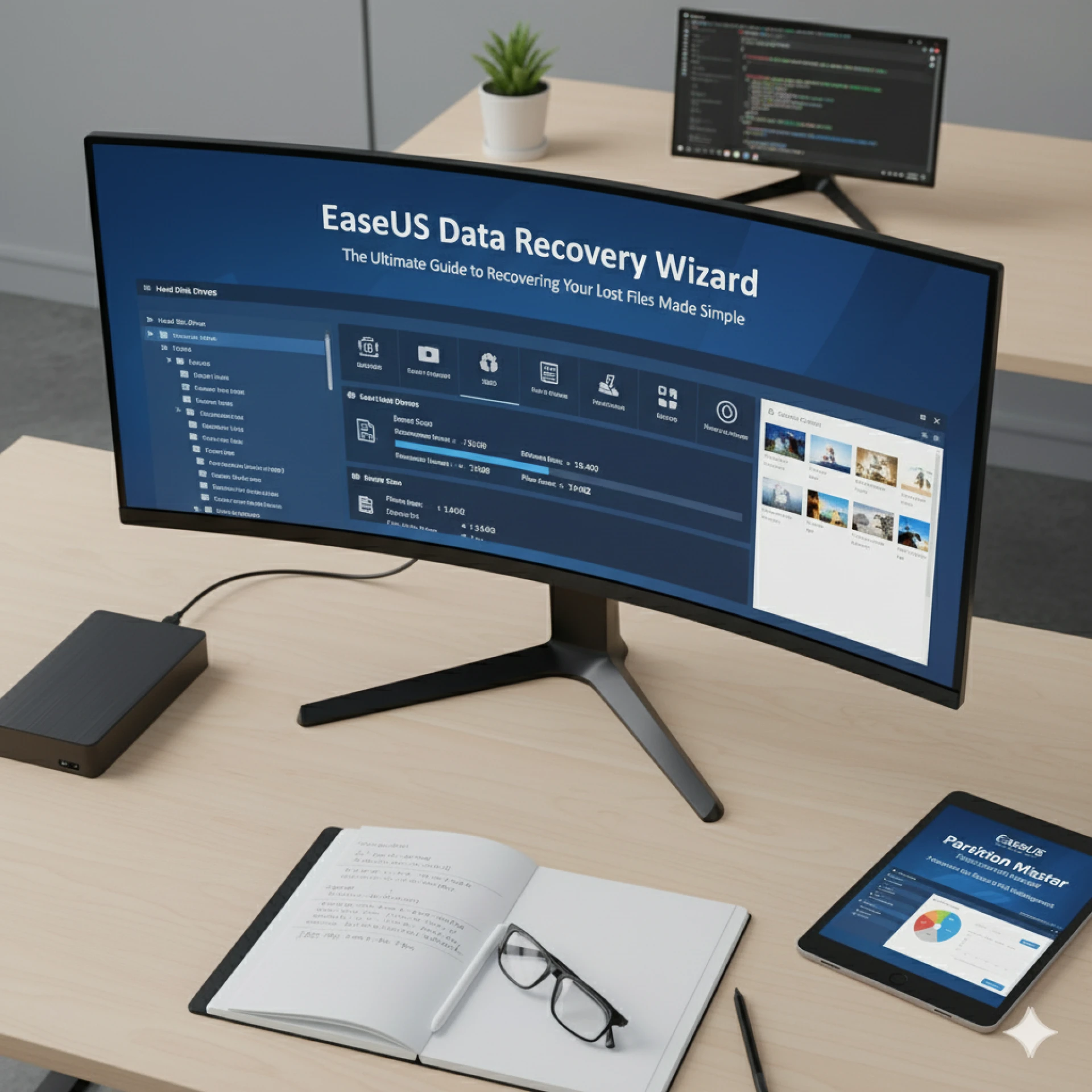
That’s why reliable data recovery tools are no longer optional they’re essential. One of the most trusted solutions on the market is the EaseUS data recovery program, also known as the EaseUS data recovery software. This powerful tool has helped millions of users worldwide recover lost files quickly and safely, often when it seemed impossible.
In this guide, we’ll explore what makes EaseUS stand out, how it works, and how you can use it to protect your valuable data from permanent loss.
Understanding the Reality of Data Loss
Why Data Loss Happens
Data loss is not rare or unusual it’s something most users will face eventually. Some of the most common causes include:
- Human Error: Accidental deletion, formatting the wrong drive, or overwriting important files
- Hardware Failure: Aging or failing hard drives and SSDs suddenly becoming inaccessible
- Malware and Viruses: Corrupting files or encrypting them for ransom
- System Crashes: Sudden power outages or OS errors that damage the file system
- Natural Disasters: Fires, floods, or physical damage to storage devices
No matter the cause, the result is the same: lost data and panic. That’s why having a solution like the EaseUS data recovery software installed on your system can be a lifesaver.
What Is the EaseUS Data Recovery Program?
A Lifeline for Lost Data
The EaseUS data recovery program is a professional-grade yet beginner-friendly tool that can recover deleted, lost, or formatted data from nearly any type of storage device. It supports a wide range of media, including:
- Internal hard drives (HDDs)
- Solid-state drives (SSDs)
- External hard drives
- USB flash drives
- SD cards and microSD cards
- Digital cameras and other portable devices
With support for more than 1,000 file types documents, images, videos, audio files, emails, and more—this tool acts as a digital safety net for all kinds of users.
Core Features That Make EaseUS Data Recovery Software Stand Out
1. Dual Scan Modes for Maximum Success
The software offers two modes:
- Quick Scan: Fast and ideal for recently deleted files
- Deep Scan: Thorough, sector-by-sector scanning to find lost data from formatted or corrupted drives
This dual approach greatly increases the chances of successful recovery.
2. Preview Before Recovery
You can preview files before restoring them. This ensures you recover only the files you actually need and confirms that they are intact and usable.
3. Advanced Filtering and Search Tools
When scanning large drives, sorting through thousands of files can be overwhelming. EaseUS includes powerful filters by file type, name, size, or modification date to help you locate specific files easily.
4. Safe and Read-Only Operation
The EaseUS data recovery software runs in read-only mode during scanning, which means it doesn’t write to the drive or alter existing data. This prevents further data loss or corruption during the recovery process.
5. Partition Recovery
Lost an entire partition? This tool can locate and recover deleted or lost partitions, including their original file structure.
Step-by-Step: How to Use the EaseUS Data Recovery Program
Step 1: Install the Software
Download the official EaseUS data recovery software from the company’s website. Install it on a drive that’s different from the one where your lost data was stored to avoid overwriting.
Step 2: Select a Location
Launch the software and choose the drive, partition, or external device where the lost files were originally stored.
Step 3: Scan for Lost Data
Click the Scan button. The software will run a Quick Scan first, followed by a Deep Scan for more thorough results.
Step 4: Preview and Filter Results
Use the built-in search bar and filters to locate your files. Preview them to verify their quality before recovery.
Step 5: Recover and Save Safely
Select the files you want to recover and click Recover. Save them to a new location on a different drive or device.
Within minutes, your deleted files could be back on your screen as if they were never gone.
Why Prevention Matters: The Importance of Backups
While the EaseUS data recovery program is incredibly powerful, prevention is always better than cure. Data recovery should be your last resort, not your first line of defense.
Pro Tip: Pair the EaseUS data recovery software with regular backup routines. EaseUS also offers dedicated backup tools that automatically create copies of your important data. This way, even if something goes wrong, you’ll have a clean copy ready to restore.
Real-Life Example: A Photographer’s Close Call
Consider Sarah, a professional wedding photographer. After a long day of shooting, her external hard drive failed while transferring hundreds of RAW photos. Panic set in until she remembered the EaseUS data recovery software she had installed.
Within an hour, she recovered all the photos from her damaged drive. Later, she added automated backups to her workflow, ensuring that she’d never face that level of stress again.
Her story is not unusual. Every day, countless individuals and businesses use the EaseUS data recovery program to rescue priceless data and avoid costly downtime.
Best Practices for Preventing Future Data Loss
Even with great recovery tools, you can avoid most data loss by following a few simple habits:
- Back Up Regularly: Use cloud services or external drives to create frequent backups.
- Separate Partitions: Keep system files and personal data on separate partitions to minimize risk.
- Maintain Hardware: Monitor drive health, and replace old drives before they fail.
- Use Antivirus Software: Prevent malware attacks that can corrupt your files.
- Act Fast: If you accidentally delete something, stop using the drive immediately and run the EaseUS data recovery software.
These steps, combined with having the EaseUS data recovery program installed, create a strong defense against data loss.
Why Professionals Trust EaseUS Tools
IT administrators, content creators, small business owners, and students all use EaseUS data recovery software because it’s:
- Reliable: High success rate across multiple scenarios
- User-Friendly: Simple, intuitive interface even for beginners
- Versatile: Works on almost any device or file system
- Safe: Read-only operations that don’t damage drives
- Proven: Over 20 years in the industry and trusted by millions worldwide
When your livelihood depends on your data, trust matters and EaseUS has earned it.
Conclusion: Your Digital Safety Net
Data is more than just information it’s your work, your memories, and your life. Losing it can feel catastrophic, but it doesn’t have to be permanent.
The EaseUS data recovery program gives you the power to rescue files you thought were gone forever, while the EaseUS data recovery software makes the process safe, fast, and stress-free.
By pairing regular backups with a reliable recovery tool, you can build a solid safety net around your data. Whether you’re an everyday user or a professional, these tools can save you from disaster and hours of panic and stress.
If your data matters, it’s worth protecting.
FAQ
1. Can the EaseUS data recovery software recover files from a formatted drive?
Yes. As long as the data hasn’t been overwritten, the software can recover files from formatted or even deleted partitions.
2. Is the EaseUS data recovery program safe to use?
Absolutely. It works in read-only mode and doesn’t write to your drive during scanning, keeping your remaining data safe.
3. How long does the recovery process take?
It depends on the drive size and number of files. Quick scans can take minutes, while deep scans on large drives may take several hours.
4. Does the software work on external devices like USB drives or SD cards?
Yes. It supports all common storage devices, including external hard drives, USB sticks, memory cards, and cameras.
5. Can it recover all file types?
It supports over 1,000 file types, including documents, photos, videos, audio files, emails, and archives.












Sign in to leave a comment.