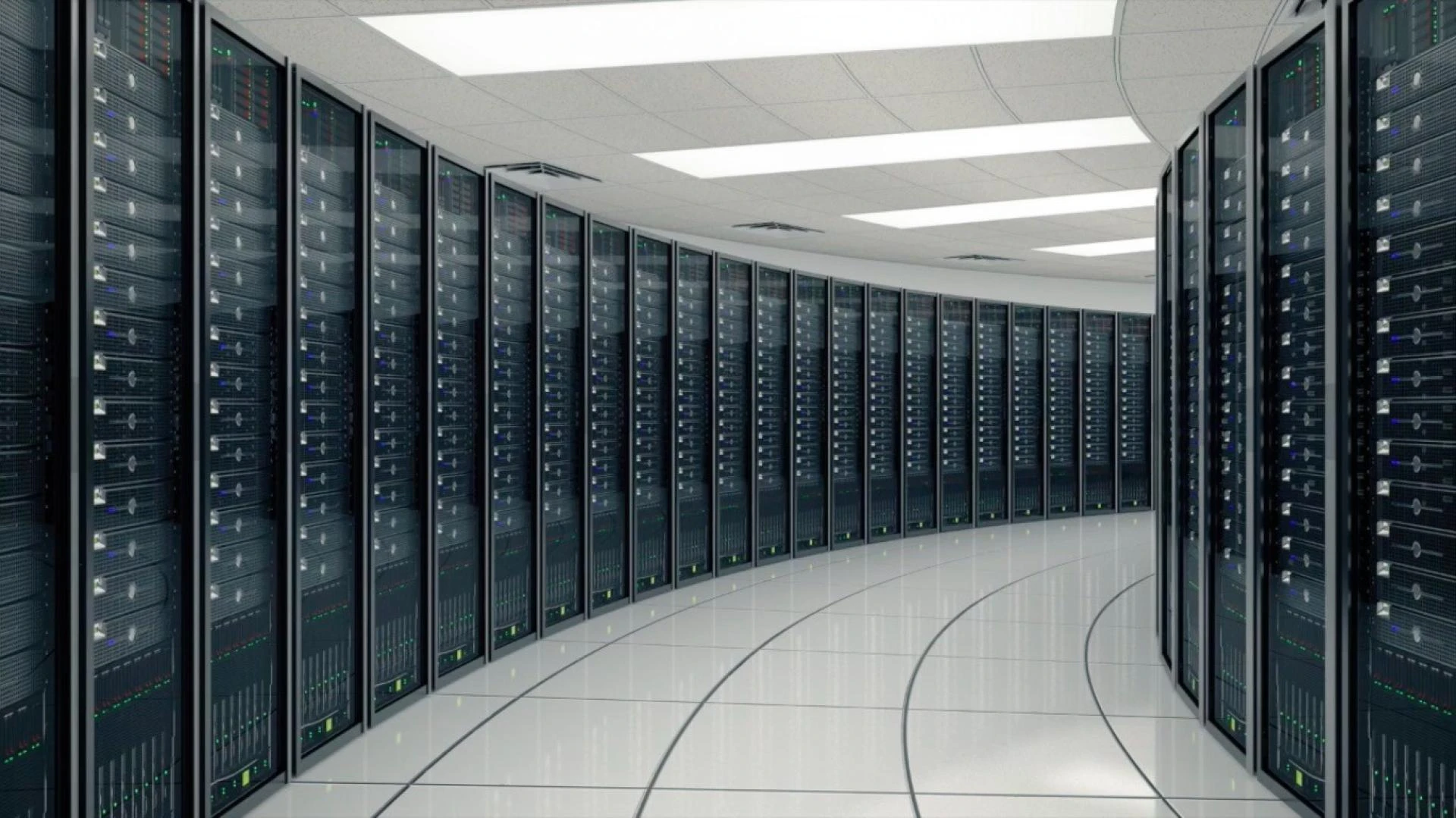

Data storage is crucial in the digital world. Storage solutions that are dependable and effective are essential for everything from private photo and music collections to important company documents and project files.
Direct-attached storage (DAS) is a storage technology that provides an attractive combination of simplicity and speed. But does DAS meet your demands exactly?
Let's investigate the advantages, disadvantages, and best practices of DAS storage as we go deeper into this field.
What is DAS? A Straight Line for Lightning Speeds
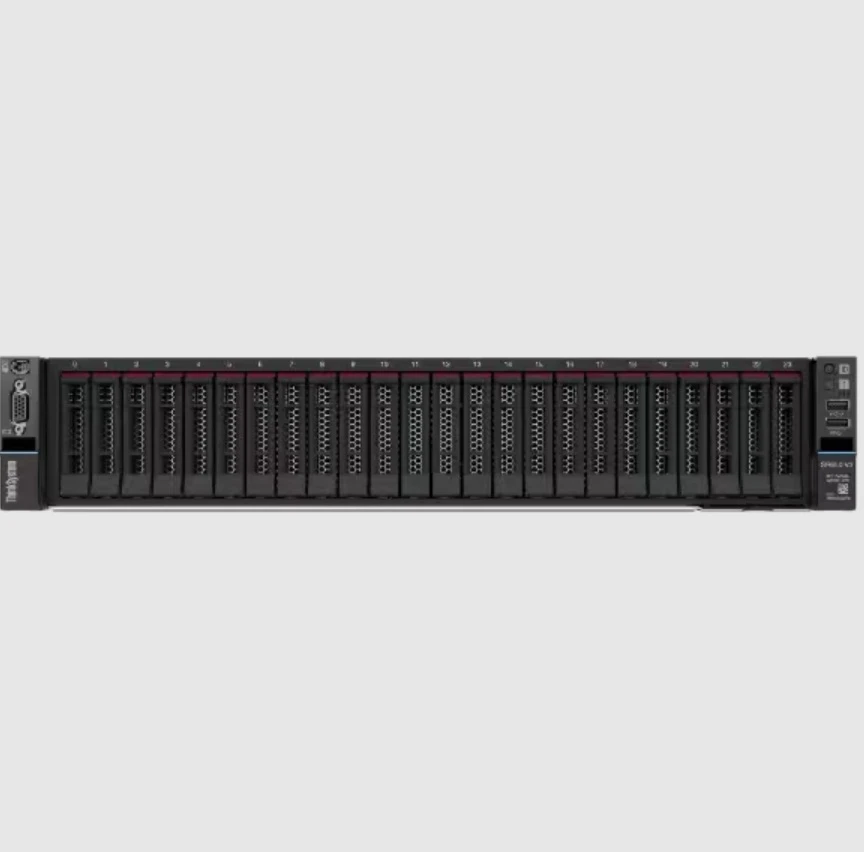
Direct-attached storage, or DAS, is a type of storage that attaches directly to a single computer system. A high-speed interface like USB, Thunderbolt, or SATA (Serial Advanced Technology Attachment) is typically used to achieve this.
With a dedicated connection, DAS units provide transfer speeds that can be unmatched compared to Network-Attached storage (NAS) devices, which connect over a network.
See it as your private highway: data moves straight from the computer to the storage device, avoiding any network latency or traffic jams.
Advantages of DAS
So why choose DAS storage? These are some of the main benefits that make it an appealing choice:
Unmatched SpeedWhen it comes to raw transfer speeds, DAS shines. DAS eliminates the network overhead associated with NAS, enabling nearly instantaneous data access. This is perfect for jobs like editing videos, handling big databases, or executing applications that require a lot of processing power and where every millisecond matters.Simpleness and Usability
Installing a DAS is easy. Most devices are plug-and-play and only require a small amount of setup. Because of this, they are ideal for consumers who are not tech-savvy or who just want a simple and fast storage option.Cost-effectiveness
DAS solutions can be more economical when compared to NAS devices with the same capabilities. This is because they are devoid of the extra hardware and software features that NAS systems generally include.Direct Control
DAS gives you total command over the storage device. Those that need precise efficiency optimizations or fine-grained access permissions can find this useful.
Security Aspects to Consider
There is a security trade-off when using directly attached storage, notwithstanding the performance benefits. DAS exposes data to the weaknesses of the host computer, in contrast to NAS systems, which can include built-in security protections like user permissions and encryption.
The data on the attached DAS drive becomes susceptible if malware infects your PC. But this does not mean that DAS is intrinsically unsafe. Encryption tools, software updates, and strong passwords are a few examples of robust security methods that can be implemented on the host computer to greatly reduce risks.
DAS can also be an effective technique for making safe backups. Your vital data can be frequently backed up to an offline copy on a DAS drive that isn't connected to the network, making it less vulnerable to cyberattacks.
Quick Demon or Backup Partner?
In what circumstances is DAS a speed demon or a backup friend? Like most things in technology, the response is "It depends." Here is a summary to assist you in determining whether DAS is the best option for your requirements:
Select DAS for:
Speed: DAS is the best option if raw transfer speeds are your main concern.Gamers can now experience speedier loading times and more fluid gameplay.Content Creation: Handle big files with low lag and enjoy smooth rendering.Backups: Make safe, offline copies of your most important information.Think about substitutes, such as NAS, in case...
Access from several devices: To access the storage, you need several PCs.Complex functionalities: You need features like RAID setups, media streaming, and user authentication.Accessing your data remotely is necessary if you are not connected to your network.Outside of Gaming: Joy for Content Creators
DAS has several advantages outside of the gaming industry. Those who create content, such as graphic designers and video editors, depend on quick data availability. A storage solution that can keep up is necessary, whether editing high-definition footage or working with complex 3D models.
DAS fulfils the promise, enabling artists to work quickly without having to wait for files to render or load. Shorter turnaround times and a more efficient workflow are directly related to DAS's raw speed.
Aspects to Take Into Account When Using DAS
DAS is really fast and user-friendly, but before you get in, take into account a few important factors:
Restrictions on Access: Directly attaching DAS units to a single computer is different from NAS devices, which may be accessed over a network. In other words, unless a computer is physically connected to the DAS, other computers on the network cannot access the data that is stored.Scalability Restrictions: Using DAS to increase storage capacity can be difficult. Growing data center needs can make it inconvenient to have to physically replace current drives or install more external enclosures.Vulnerability to Single Point of Failure: Since DAS is linked to a single machine, data loss can result from a hardware malfunction in the DAS unit or the computer itself. It is essential to put a backup plan into action.Security Issues: Compared to NAS, which frequently comes with built-in user access controls and encryption options, securing DAS takes more work.Who Needs to Think About DAS Storage?
DAS excels for consumers who value simplicity of usage and raw speed. It is ideal for:
Professionals in the creative arts: The rapid data transfer rates of DAS are very advantageous for professionals working with big media files, such as graphic designers, 3D artists, and video editors.Gamers: DAS can be used to enhance the gameplay experience for ardent gamers who prefer games with short loading times.Personal Data Storage: DAS is a practical option for people who like having direct control over their storage devices to store private information such as papers, music, and images.The Final Lap
Customers who value speed and need a specialized storage option for a single computer will find DAS storage to be a very appealing option. A great tool for gamers, multimedia creators, and anyone handling big files, it's inexpensive, easy to use, and performs well out of the box. Still, it's important to know what its security and cross-device accessibility constraints are.
To find out if DAS is the best option for your data storage requirements, take into account your unique needs.
Keep in mind that there's no one-size-fits-all option when it comes to storage. For data transport, DAS can be a speed demon, even though it may not be the best backup partner.










Sign in to leave a comment.